New Introducing Scanely Pages
A beautiful page.
Behind every scan.
Your menu, your next event, your big idea.
Turn it into a page people can open with a scan.
Start for free · No website or coding needed
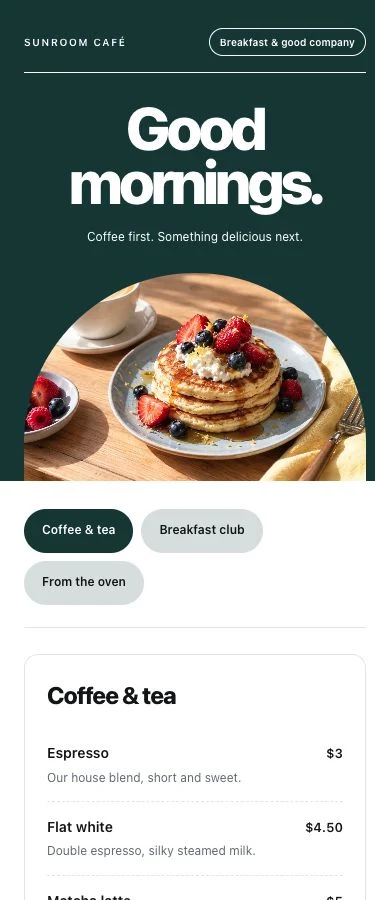
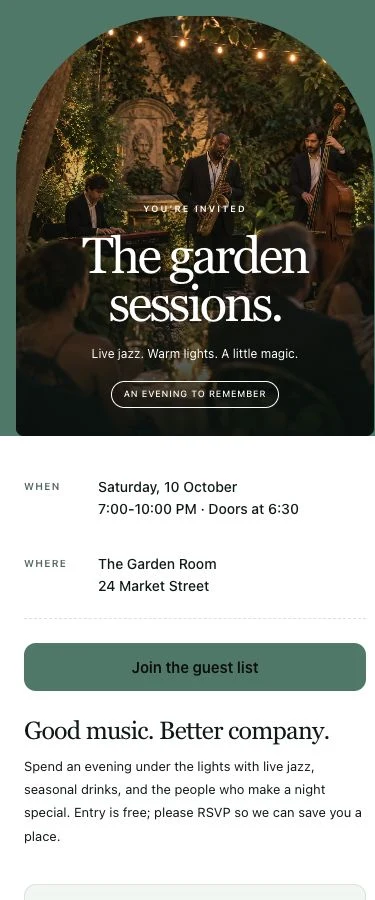
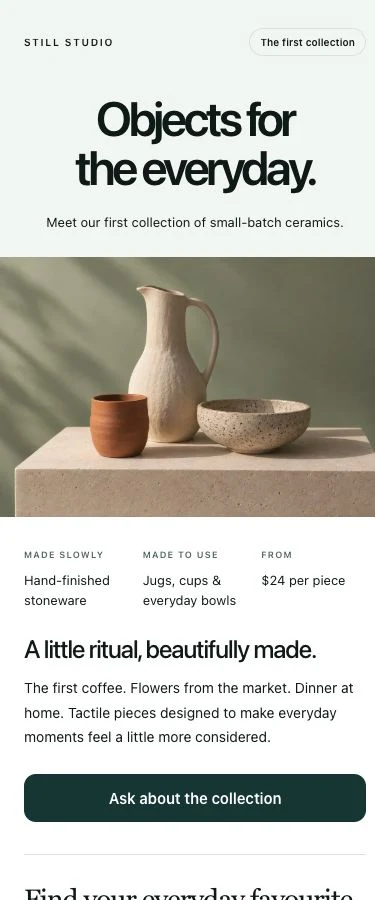
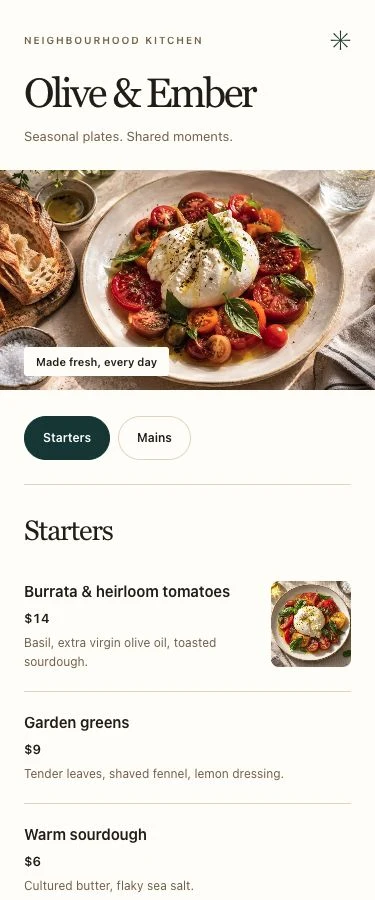
15 starting templatesMobile & desktopYour page + QR code
15 templates. Your next idea.
Start with what
you have in mind.
A dinner menu, a new collection, a reason to get together.
Pick a starting point. Make it feel like you.
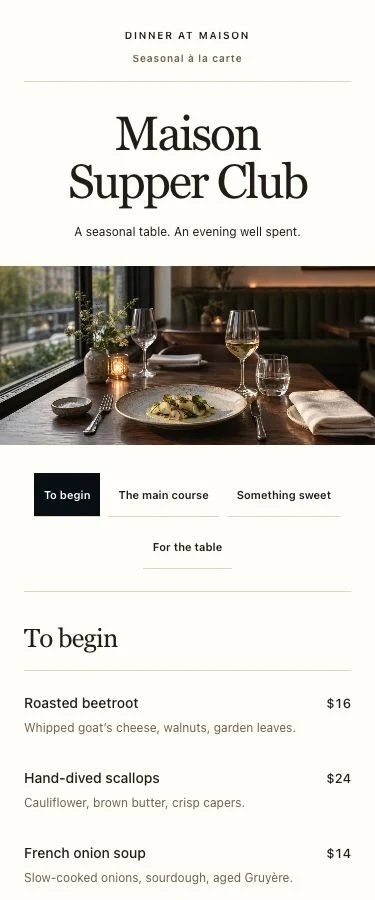
Real template previews with sample content. All 15 starting templates are available on Free.
A starting point, made personal
Your content.
Your kind of beautiful.
Bring your own photos. Find your colors. Give your words room to breathe. Build a page that feels like your business, with a live preview as you go.
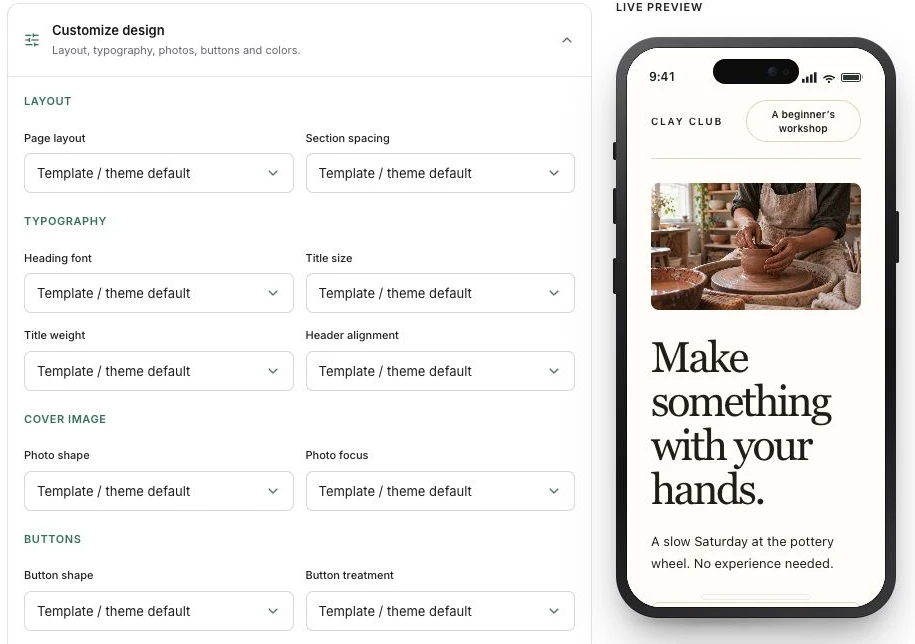
Find your look
Adjust layouts, typography, photo shapes, spacing and buttons.
Tell your story
Add and reorder menus, images, contact details, text and forms.
See it before you share it
Preview the full page on mobile and desktop, then publish when it feels right.
Ready for the real world
On the table.
On a poster. On any screen.
Share your page in a message or put its QR code on your next print run. It opens beautifully on a phone and makes room for more on desktop.
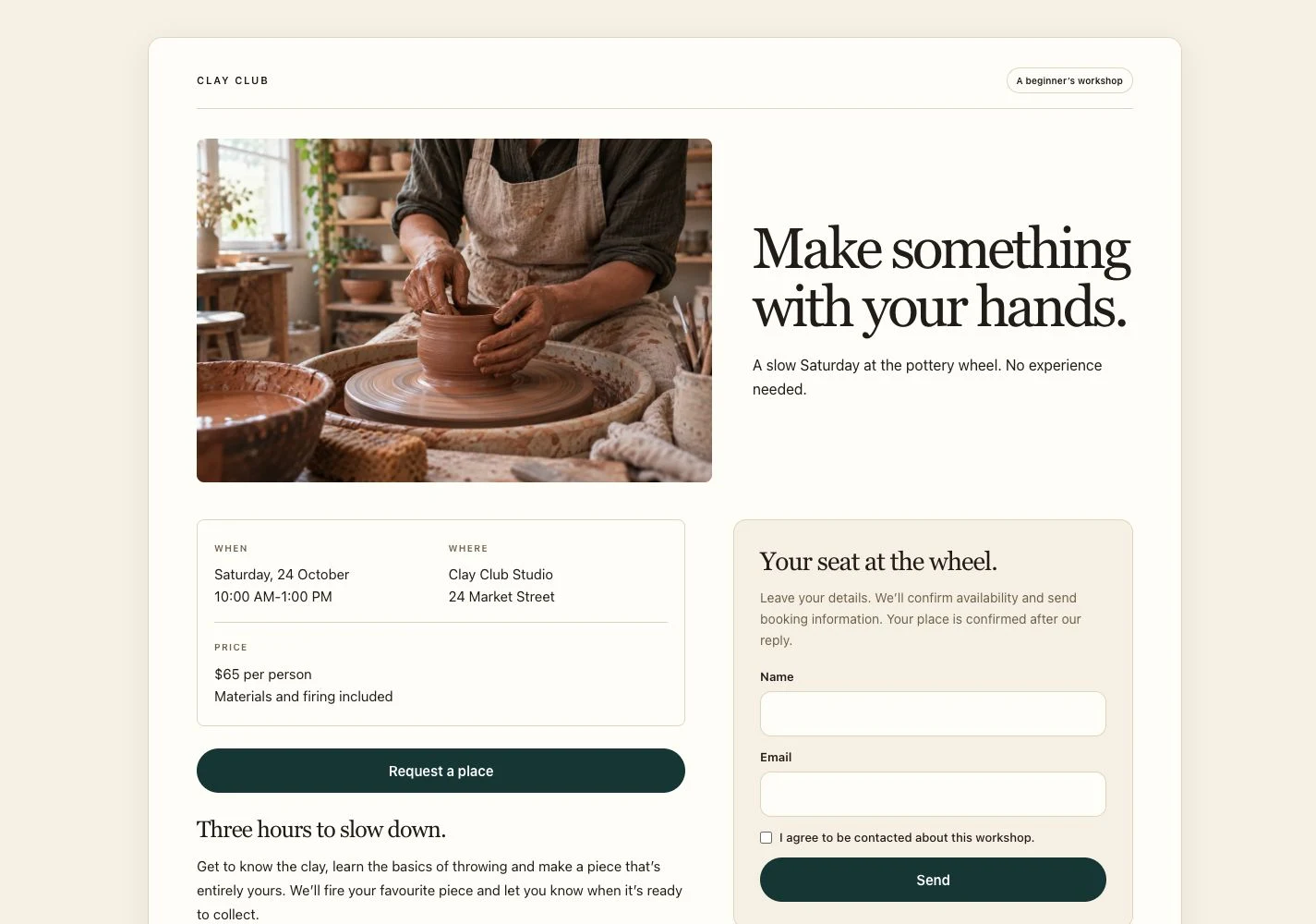
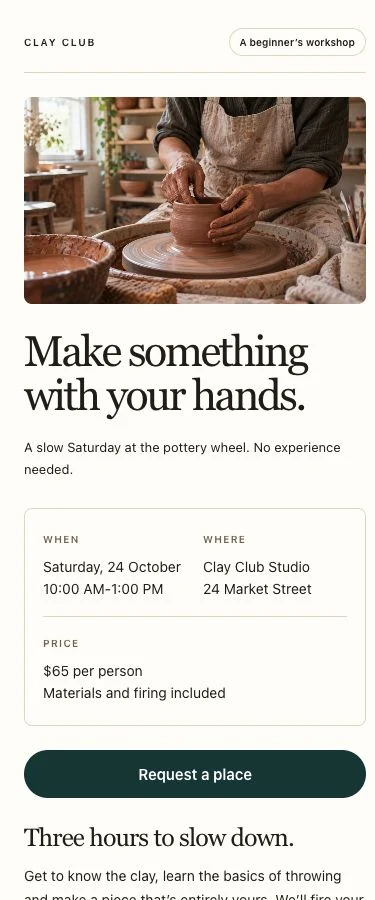
From idea to first scan
Make it. Share it. Keep it fresh.
- 01
Choose your starting point
Browse the templates and preview the one that fits your idea.
- 02
Make the details yours
Add your photos, content and contact details. Pick your style.
- 03
Publish and share
Get your page link and QR code. Keep editing as your business changes.
Do I need a website?
No. Scanely hosts your page and gives you a shareable link and QR code. Choose a template, add your details and publish from your dashboard.
Can I use Pages for free?
Yes. All 15 starting templates are available on Free. Your account includes 3 shared Pages and QR code slots, 2 photos per page and 10 form submissions per calendar month across your pages. Free pages include a Scanely footer. Paid plans increase your allowances and add more themes, custom colors and branding options.
Can I update a page after printing its QR code?
Yes. Edit and save your live page to update the content. Its link and QR code stay the same, so you can change your menu, offer or event details without reprinting.
Will my page work on desktop too?
Yes. Pages adapt to phones, tablets and desktop screens. You can preview both the mobile and desktop layout before publishing.
What can the forms collect?
Collect enquiries, RSVP replies and private feedback, with optional phone and message fields. Responses appear in your Leads dashboard. You handle replies, booking confirmations and payments with your customer.
Can I collect public reviews?
Add your Google review link or another public review destination to a Reviews template. You can also offer a private feedback form alongside it. Visitors choose where to leave their feedback.
Meet your next page
Make something
worth scanning.
Start with a template. Make it yours. Send it out into the world.
Free includes 3 shared Pages & QR slots and 10 form submissions per month.