Distorted QR Code: Causes, Fixes, and Recovery
Fix a distorted QR code: check blur, stretching, curved surfaces and missing margins, then test the decoded destination or replace the original artwork.
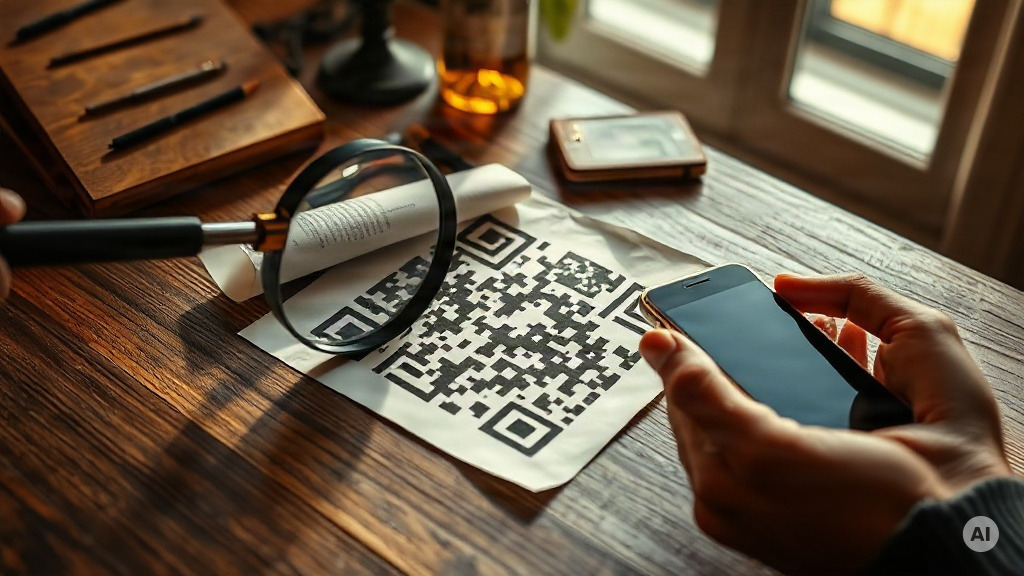
What is a distorted QR code?
A distorted QR code is a code whose square grid has been stretched, bent or captured at an angle. Blur and low resolution cause a different problem: the grid may still be square, but its small dark and light cells are no longer distinct. Start by identifying which problem you have.
For most users, the useful first step is another photo or a clean original export. If you own the code, test the original artwork before trying to repair a compressed screenshot. If you are scanning someone else’s code, ask for its printed web address or a replacement when the image cannot be read.
Identify the failure before changing the design
Use this checklist as a troubleshooting sequence. It separates image problems from destination problems, so you do not redesign a code that already decodes correctly.
| What you see | What to check next |
|---|---|
| A rectangle instead of a square | Was the artwork resized with its proportions unlocked? |
| A trapezoid in a photograph | Can you take another photo facing the surface more directly? |
| A code wrapping around a bottle | Can the entire symbol be seen without the edges disappearing around the curve? |
| Soft or merged cells | Is the original, higher-resolution export available? |
| Glare or a shadow across the grid | Can you change lighting or viewing position and capture it again? |
| Text or a border touching the code | Has the clear margin around the symbol been removed? |
| A URL appears, then an error page | The code decoded; check the destination or redirect separately. |
For the last case, see why a QR code is not working. A successful decode and a working destination are separate checks.
Try a new capture before image reconstruction
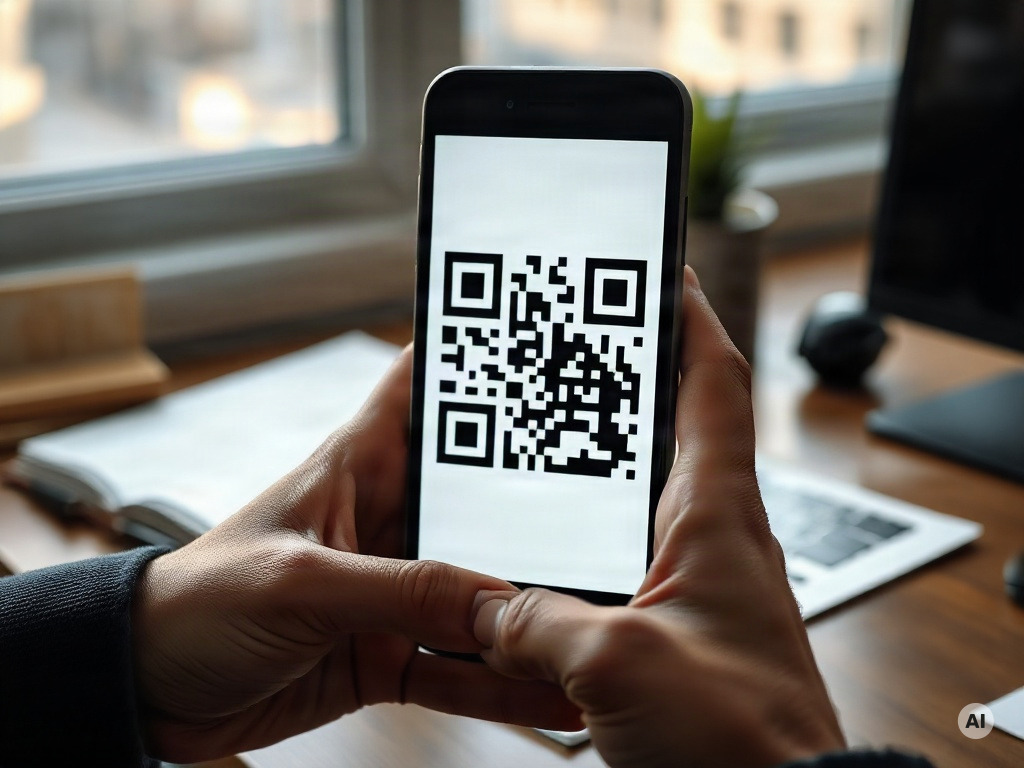
- Keep the complete symbol in view. Include the surrounding clear margin and avoid cutting off corners.
- Face the code more directly. For a flat label, try a position that makes the image square instead of trapezoidal.
- Check focus and reflections. Hold the camera steady and change your angle or lighting if glare covers the cells.
- Use the source file when possible. Ask for the original PNG or vector artwork instead of enlarging a tiny thumbnail.
- Compare the decoded result. Record the text or URL the scanner returns, then check it against the intended destination.
These are controlled troubleshooting attempts, not promises that every image can be recovered. Keep the original file and change one factor at a time, so you know which version worked. For a saved image, use our guide to scanning a QR code from a picture.
Restore proportions and the clear margin
If a square export was stretched during layout, return to the original and resize it proportionally. Avoid repeatedly stretching the damaged copy until it happens to scan. Check the final exported document too: the image in the design editor may differ from the printed or compressed output.
DENSO WAVE specifies a clear margin four modules wide on every side for a standard QR Code. A module is one small cell of the grid. This margin, often called the quiet zone, is part of the usable artwork area. Do not fill it with captions, a decorative frame or background graphics.
For example, if each module is rendered at four pixels, a four-module margin is 16 pixels on each side. That is margin arithmetic, not a universal printing-size recommendation. Required physical size depends on the symbol, printing and scanning conditions.
Check curved surfaces separately
A code on a cylindrical bottle can bend in the image even if the source artwork is square. An ordinary perspective adjustment for a flat page is not the same as correcting a curved surface. If you control placement, test a flatter area or another label position using the actual package.
A useful print check includes the final label size, material, surface and intended scanning distance. Try more than one representative phone or scanner. Record the decoded destination and the conditions, rather than accepting a single successful scan on a monitor as proof that the printed label is ready.
When image processing can help
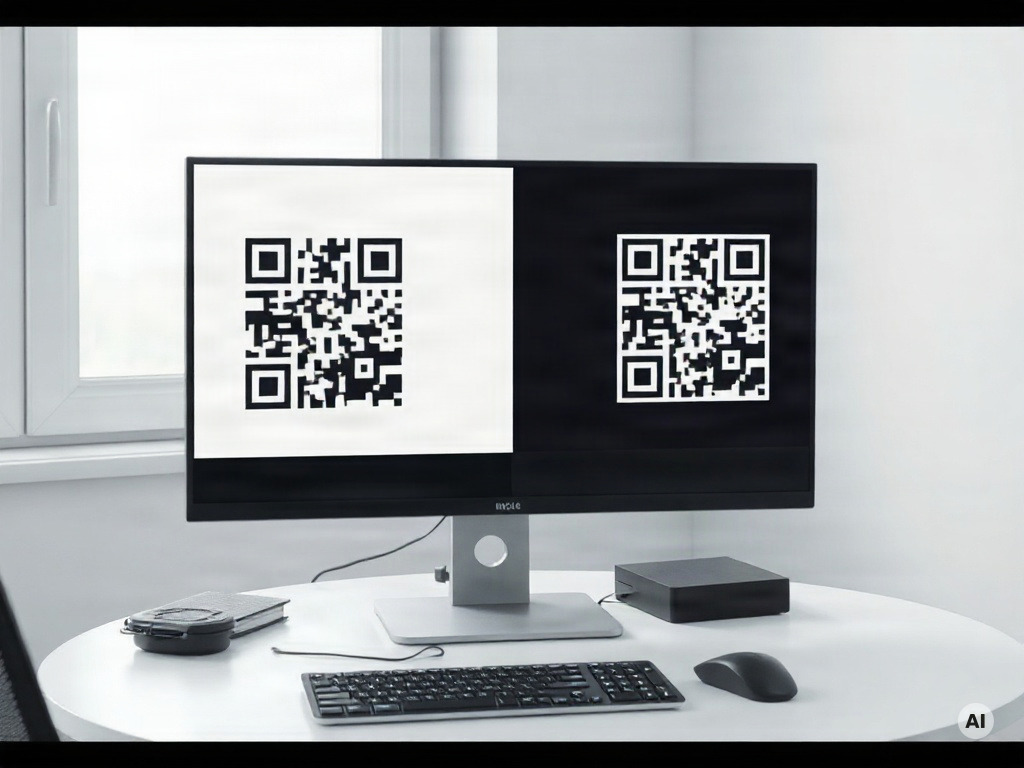
For a valuable image with no available replacement, a developer can compare detection approaches. OpenCV’s QRCodeDetector documentation includes ordinary detection and decoding as well as detectAndDecodeCurved for curved surfaces. The API description tells you what the method attempts; it is not a recovery guarantee.
Keep a copy of each input and record the decoded string, the method and whether it matches the expected content. A sharper-looking picture is not, by itself, evidence that the encoded data has been preserved. Do not manually paint missing cells or accept an AI-generated pattern simply because it resembles a QR code.
If you know the exact intended URL or text and own the code, generating a fresh symbol is usually a more direct workflow than reconstructing missing artwork. If you do not know the payload, ask the owner for a replacement or an alternative way to reach the resource. An image cannot establish the original destination merely from its visual style.
What error correction does and does not mean
DENSO WAVE’s explanation of error correction describes recovery of encoded data when a code is dirty or damaged. Higher correction levels add redundancy, which also affects the amount of data and symbol size.
The percentages used to describe recovery refer to codewords, units in the encoded data area. They are not permission to cover the same percentage of the image with a logo. Damage to positioning patterns, missing margins and severe blur introduce different problems from errors in an otherwise located data grid.
When designing a replacement, preserve the positioning patterns and keep the full margin clear. Treat logos and decorative styling as versions that need testing. Do not promise that a code will survive a particular amount of visual damage based only on its correction setting.
Replace the artwork and test the final output
If you control the destination, use this release checklist:
- Confirm the payload. Copy the intended URL or text from the source of truth, including the correct domain and path.
- Export a clean symbol. Keep square proportions, enough detail for the intended use and the complete quiet zone.
- Place it in the real layout. Test the document, package or sign at its final size, not only the standalone image.
- Scan representative copies. Include the intended lighting, surface and distance, with more than one relevant device.
- Check the result. Compare the decoded URL and open the expected page; repeat after any resizing or print change.
For a dynamic code, distinguish the printed symbol’s redirect URL from its current destination. Changing a destination cannot repair unreadable printed cells. Conversely, if the symbol decodes but the destination is wrong, inspect the redirect configuration before replacing the artwork.
Distorted QR code FAQ
Can a stretched QR code be fixed?
If you have the original square artwork, place it again and resize with proportions locked. For a photographed flat code, another capture facing the surface more directly may help. Test the decoded content after any change.
Can AI restore every unreadable QR code?
No. A visually sharper or reconstructed pattern does not prove that the original payload is intact. Prefer the original export or an owner-supplied replacement and verify the decoded string.
How much white space should surround a standard QR Code?
DENSO WAVE specifies a quiet zone at least four modules wide on every side. A module is one grid cell. Keep captions, borders and other artwork outside that area.
Can a code on a bottle be read?
It depends on the actual code, curvature and capture conditions. Test the final label on the bottle. OpenCV provides a curved-surface decoding method for developers, but that does not establish success for every label or consumer scanner.
Does error correction mean a logo can cover part of the code?
A correction percentage describes encoded codewords, not a safe percentage of image area to cover. Preserve function patterns and the clear margin, then test each decorative version in its final use.
Why does a scanned code open a broken page?
If the scanner returns a URL, image decoding has succeeded. Check the destination, redirect and relevant account settings. Replacing a readable image will not by itself fix an unavailable web page.
Sources
Technical documentation checked September 12, 2026:
- DENSO WAVE — QR Code area and quiet zone.
- DENSO WAVE — error correction and codewords.
- OpenCV — QRCodeDetector methods.
The photographs in this article are AI-generated illustrations. They are not scannable test fixtures or before-and-after evidence of recovery.