QRCode Monkey Review: Is the Free QR Generator Safe?
QRCode Monkey generates free static QR codes with no expiry - but dynamic codes and scan stats require a paid third-party signup. What's actually free.

What Is QRCode Monkey and What Is Actually Free?
QRCode Monkey is a free QR code generator at qrcode-monkey.com that creates static QR codes with no expiry, no signup, and no watermark. You can add a custom logo, change colors and eye frame shapes, and download the result as PNG, SVG, or EPS - all without creating an account. For a static code pointing to a fixed URL, it is genuinely free.
Here is the catch: only static codes are free. The moment you want a dynamic QR code - one you can edit after printing - or scan statistics, QRCode Monkey hands you off to a separate paid service called QR Code Generator PRO. Those buttons look like part of the free tool. They are not. Clicking them starts a third-party signup with a 14-day free trial, and codes created there deactivate when the trial ends.
That distinction matters before you send anything to print:
- Free forever: static codes with logo, custom colors, and vector export (SVG/EPS for print quality)
- Not free: editable destinations, scan tracking, redirect URLs, campaign analytics
If you understand which side of that line your project falls on, QRCode Monkey is safe to use. Most complaints about the tool come from people who crossed the line without realizing it - we will cover exactly where that handoff happens below.
Static vs Dynamic QR Codes: Why Free Codes Never Expire
The difference comes down to where the destination URL lives. A static QR code stores the full URL inside the pattern itself - those black and white squares are the data. A dynamic QR code stores only a short redirect link owned by a service, and that service looks up your real destination every time someone scans. One works forever with no company involved. The other stops working the day you stop paying.
How a Static QR Code Stores Its Data
When QRCode Monkey generates a static code for yoursite.com/menu, it encodes those exact characters into the module pattern - anywhere from 21 to 177 modules per side depending on URL length and error correction level. Nothing else is involved. No server, no account, no database row that can be deleted.
That is why static codes never expire. There is nothing to expire. Scan one in 10 years and your phone reads the same URL it read on day one. The only failure mode is on your end: if yoursite.com/menu returns a 404, the code still scans fine but leads nowhere.
The trade-off is permanence in both directions. The URL is baked in, so editing is impossible. A typo in the link means regenerating the code and reprinting everything it appears on.
What a Dynamic QR Code Adds - and What It Costs You
A dynamic code encodes something like qrco.de/abc123 instead of your real URL. The scan hits that redirect server first, which logs the event and forwards the visitor to whatever destination you have set. This one extra hop buys you three things:
- Editable destination - repoint the printed code from your summer menu to your fall menu in 30 seconds
- Scan statistics - total scans, scans by day, city-level location, and device type
- Campaign tracking - separate codes for flyers vs table tents, measured individually
The cost is dependency. If the subscription lapses, the redirect dies and every printed code goes dark - which is exactly what happens after QR Code Generator's 14-day trial. Tools like the Scanely dynamic QR generator work the same way; the mechanics are universal, so the real question is whether you trust the service holding your redirect.
The Handoff: Where the Free Tool Ends and the Paid Signup Begins
On qrcode-monkey.com, the free tool and the paid upsell live on the same page, and nothing visually warns you when you cross between them. Knowing the exact boundary is the difference between a permanent free code and a code that dies in two weeks.
Which Buttons Lead to QR Code Generator PRO and Bitly
The static generator - URL, text, email, vCard tabs with the customization panel - is the free part. Everything you do there stays on qrcode-monkey.com and requires no account.
The handoff starts with two elements that look native to the tool:
- The "Dynamic QR Codes" or "Sign Up" links in the header and promo banners. Clicking through takes you to app.qr-code-generator.com - a different company's product (QR Code Generator PRO by Bitly) with its own pricing.
- Any "statistics" or "scan tracking" option. Scan analytics require a redirect server, which the free tool does not have, so these always route to the paid signup.
Three signals tell you that you have left the free tool: the domain in your address bar changes to app.qr-code-generator.com, you are asked to create an account, and you see "14-day free trial" language. The free static generator never asks for any of those.
What Happens When the 14-Day Free Trial Ends
Codes created during the trial are dynamic - they encode a redirect URL owned by QR Code Generator PRO. When the trial expires without a paid plan (from roughly $60 per year at the entry tier), the redirect deactivates. Scanners no longer reach your menu or landing page; they hit a service page or an error instead.
This is the scenario behind most angry reviews. Users generate what they believe is a free code, print 200 laminated menus or 5,000 flyers at $300 to $800 per run, and two weeks later every printed code is dead. The reprint bill is the real price of the "free" trial - which is why you should confirm you are on the static side of the line before anything goes to the printer.
Is QRCode Monkey Safe? Trustpilot Reviews and the Clone Site Problem
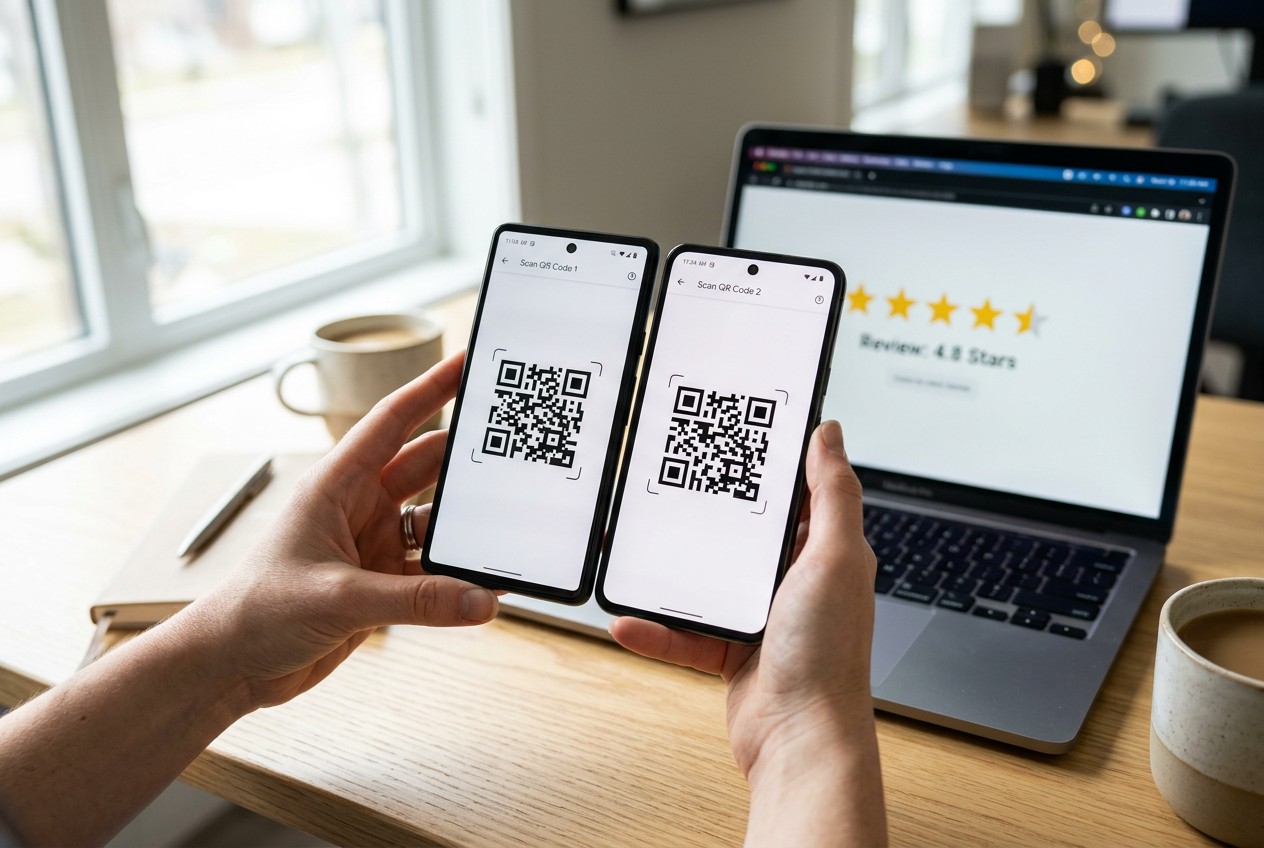
The short answer: yes, for static codes. The 2.1 out of 5 Trustpilot rating looks alarming, but read the actual reviews and a clear pattern emerges - almost none of the complaints are about the free static generator.
What the Trustpilot Complaints Actually Say
The dominant complaint is a bait-and-switch story, and it follows the same script every time. A user creates what they believe is a free QR code, prints it on menus, business cards, or product packaging, and two to three weeks later the code stops working. Scanners hit a subscription page instead of the intended destination.
Every one of those stories involves a dynamic code created through the QR Code Generator PRO trial - the third-party handoff covered above. The code did not "expire" randomly; the 14-day trial ended and the redirect was shut off. Reviewers describe throwing out hundreds of dollars of printed material, and their anger is justified, but it is aimed at the wrong feature. Static codes made on qrcode-monkey.com itself have no mechanism to deactivate. There is no server to switch off.
So the practical safety rule: the free static tool is safe for print. The trial-based dynamic upsell is where people get burned.
Do Not Confuse It with monkeyqrcode.com
There is a second trap that has nothing to do with QRCode Monkey itself. A lookalike site, monkeyqrcode.com, ranks for the same brand searches and trades on the confusion. It is a different operator with different terms, and codes or accounts created there have no connection to the real tool.
Before you generate anything, check the address bar. The legitimate site is qrcode-monkey.com - hyphenated, "qrcode" first. If the domain reads "monkeyqrcode" or anything else, close the tab and type the correct URL directly.
QRCode Monkey vs Other QR Generators: Side-by-Side Comparison
The fairest way to compare is by what each tool does after your code is printed. Static generators end their job at download. Dynamic platforms keep working - and keep charging - because they run the redirect your code depends on.
| Feature | QRCode Monkey | Basic free static tools | QR Code Generator PRO | Bitly QR codes | Scanely |
|---|---|---|---|---|---|
| Code expiry | Never (static) | Never (static) | Active only while paid | Active only while paid | Static free, dynamic on plan |
| Editable destination | No | No | Yes | Yes | Yes (dynamic) |
| Scan statistics | No | No | Yes | Yes (limited on lower tiers) | Yes |
| Custom logo | Yes, free | Rarely | Yes | Paid tiers | Yes |
| Vector export (SVG/EPS) | Yes, free | Usually PNG only | Yes | Paid tiers | Yes |
| Price | $0 | $0 | From about $60/year after 14-day trial | From about $120/year for QR features | Free static; dynamic on paid plans |
QRCode Monkey wins one category outright: free static codes with a logo and print-ready SVG export. Most free generators cap you at a low-resolution PNG, which blurs at anything larger than a business card. If your URL will never change, that combination is hard to beat at $0.
The dynamic platforms earn their subscription in a different scenario. A restaurant that updates its menu quarterly, or an agency running codes across three campaign versions, needs an editable destination and per-code scan counts - features no static tool can offer, at any price. The Scanely dynamic QR generator covers that use case without routing you through a trial that kills the code at day 15.
The table's real lesson: do not pick a tool by brand. Pick by whether your destination URL will ever change.
Free Static or Paid Dynamic: Which One Do You Actually Need?
Pick static if the printed URL will never change. Pick dynamic if there is any chance it will.
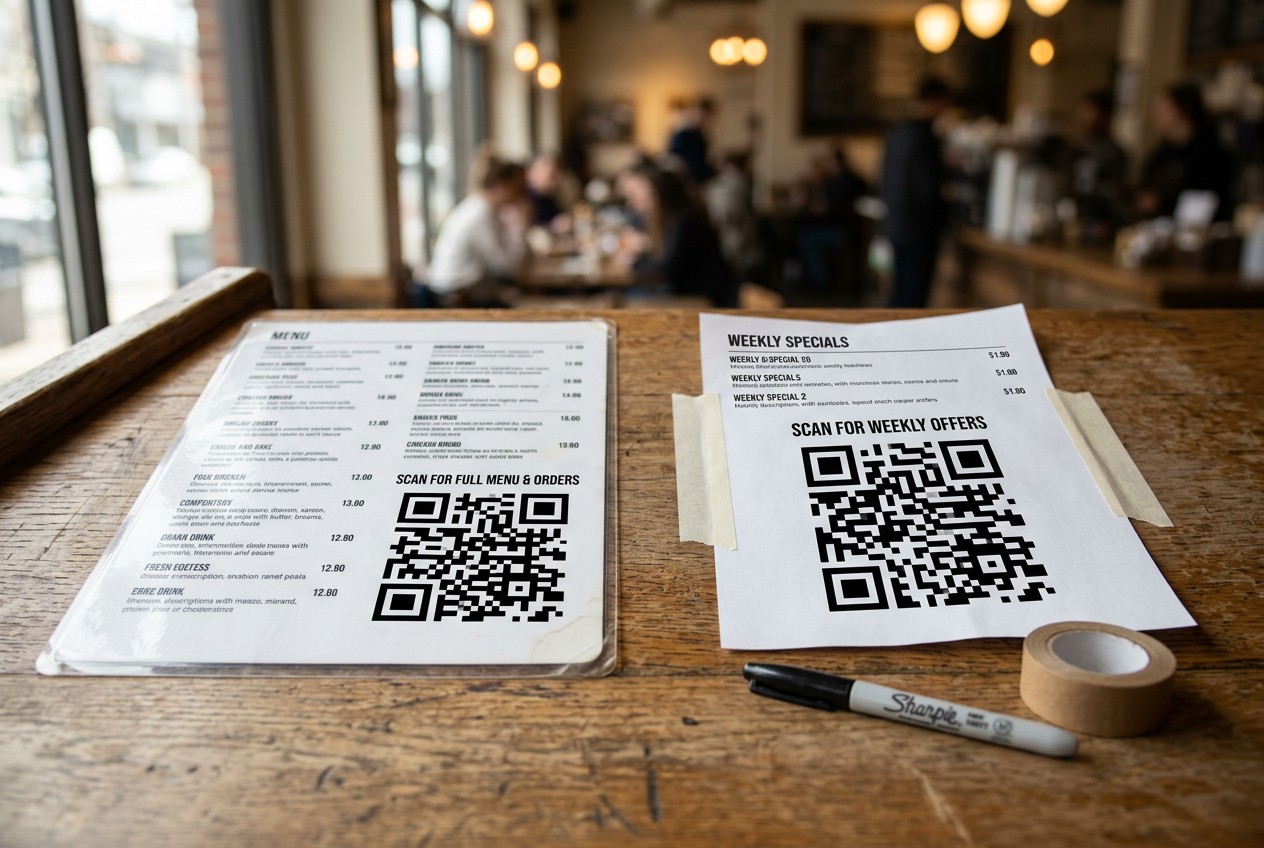
A free static code from QRCode Monkey is genuinely the right call for:
- A vCard on business cards - your name and phone number are the data itself, no URL involved
- Permanent signage - a plaque linking to your homepage or Google Maps listing
- One-off event posters with a stable link that dies with the event anyway
A dynamic code earns its subscription for:
- Restaurant menus - prices and dishes change quarterly, laminated menus should not (see how restaurants use QR menus)
- Retail promos and packaging - point the same printed code at each season's campaign page (retail use cases)
- Events with shifting details - schedules, speaker lineups, and venue maps updated after badges are printed (event use cases)
- Anything you want to measure - scan counts per location tell you which placement actually works
The tiebreaker question: will this material be reprinted, or will the destination ever move? If either answer is yes, static is a trap.
The Reprint Math: When Free Becomes Expensive
Run the numbers before choosing free. Reprinting 5,000 flyers costs roughly $400 to $800 including rush fees. Replacing 200 laminated menus runs $600 to $1,200. A dynamic QR plan with an editable redirect costs $60 to $180 per year.
So one URL change on printed material costs 3 to 10 times a full year of dynamic service. Change the URL twice and the gap widens further. "Free" is only free while your destination holds perfectly still - and destinations rarely do. Menus move to new domains, campaign pages get archived, link shorteners shut down.
The honest framing: a static code is free insurance against a risk you control. A dynamic code is cheap insurance against a risk you do not.
Print-Safety Checklist Before You Commit to a Static Code
Run through this checklist before a static code touches a printer, because there is no fixing it afterward.
- Test scan on both iOS and Android. Camera apps decode differently. A code that scans on an iPhone 15 can fail on an older Android with heavy customization.
- Test at real distance. Print a draft at final size and scan from where customers actually stand. The working rule is a 10:1 distance-to-size ratio - a code scanned from 10 feet away needs to be at least 12 inches wide. The Scanely QR size calculator does this math for any placement, from table tents to billboards.
- Keep the quiet zone. Leave a white margin of at least 4 modules on every side. Designers cropping tight to the pattern is the most common print failure.
- Check contrast. Dark foreground on light background, never reversed. QRCode Monkey lets you pick any colors, including combinations scanners cannot read.
- Raise error correction if you add a logo. A logo covers modules, so set error correction to H (30% recovery) before placing one.
- Export SVG or EPS, not PNG. Vectors stay sharp at any print size; a 1000px PNG blurs on a poster.
For business cards, generate the vCard code with minimal contact fields - less data means larger, easier-to-scan modules.
FAQ: QRCode Monkey Questions Answered
Do QRCode Monkey codes expire? Static codes never expire - the URL is baked into the pattern, with no server involved. Dynamic codes made through the QR Code Generator PRO handoff deactivate when the 14-day trial ends.
Is QRCode Monkey legit or a scam? Legit for static codes. The 2.1/5 Trustpilot rating reflects the paid trial upsell, not the free tool.
Can I edit a code after printing? No. Static codes are permanent. If you need an editable destination, use a dynamic QR code from the start.
Does QRCode Monkey track scans? No. Scan statistics require a redirect server, which means a paid third-party account.
Is monkeyqrcode.com the same site? No. That is a lookalike operated by someone else. The real site is qrcode-monkey.com.
The verdict: free and safe for static codes - just know exactly when a button hands you off to a paid service.
Pricing, trial terms, and third-party service details mentioned in this article were accurate at the time of writing and may change. Verify current terms directly with each provider before making a purchase or printing decision.