QR Code Monitoring: Scan Analytics and Dead-Link Alerts
QR code monitoring measures recorded scans and checks destination links. Learn about visitor estimates, deduplication, location limits and alert timing.

What Is QR Code Monitoring?
QR code monitoring combines scan analytics with checks on the destination behind a code. Analytics show recorded visits to the QR link, approximate location, device information and time. Link monitoring checks whether an external destination is still responding. Together, they help you see how printed campaigns perform and investigate problems.
A dynamic QR code points to a short URL that can record eligible requests before sending visitors to your destination. A static QR code links directly to the encoded URL, so it does not provide Scanely redirect statistics. You can still measure visits on the destination website using its own analytics, especially if the printed URL already includes campaign parameters.
The distinction matters when reading reports. Scanely deduplicates repeat requests from the same hashed IP and QR code within one hour. Its paid link-health monitoring runs daily. A broken-link email requires two failed daily checks on separate UTC days, with no successful check between them. Neither feature promises a record of every camera scan or an instant outage alert.
Static vs Dynamic QR Codes: What Can You Measure?
A static QR code encodes the destination URL directly into the pattern. You cannot change that encoded URL after printing, although you can update the page it opens if you control it. A dynamic QR code points to a redirect URL, so you can change the destination in your dashboard while keeping the printed pattern.
The practical differences are:
| Feature | Static QR code | Dynamic QR code |
|---|---|---|
| Scan tracking | No Scanely redirect statistics; destination analytics can measure visits | Recorded requests to the redirect, subject to deduplication and plan limits |
| Destination editable in Scanely after printing | No | Yes |
| Link-health alerts | Require a separate website monitor | Available for eligible destinations on supported plans |
| If the destination moves | Restore or redirect the original URL if you control it; otherwise reprint | Update the destination in the dashboard |
Static codes still make sense for fixed information, such as a Wi-Fi password on a break room wall. For campaigns where you need editable destinations and QR-specific reports in one place, a dynamic code is useful.
When a Static Destination Moves
Picture a restaurant that prints menus with a static code linking to a PDF. Later the file moves and the original URL returns a 404. If the restaurant controls the original URL, it can restore the file or set up a redirect. If it cannot recover that address, the printed codes need replacing.
With a dynamic code, the destination can be changed in the dashboard: save the new public URL, then test the existing code. The paper keeps the same pattern. That flexibility is useful for print jobs that stay in circulation longer than a campaign. If that fits your use case, create a dynamic code before printing.
Daily Link Checks and Silent-Code Alerts
Counting scans does not tell you whether the destination still works. A website can start returning errors, a landing page can move, or a promotion can end. A poster can also disappear while its destination remains healthy. These are different problems, so Scanely provides two separate signals on paid plans:
- Dead-link alerts. Daily checks cover active, unmuted codes with external link destinations. A broken-link email requires two failed daily checks on separate UTC days, with no successful check between them. Re-running the check on the same day does not advance that threshold. A successful check resets the failure count and clears the alert state. If a daily run is missed, the failure count carries forward until the next check.
- Silent-code alerts. A code with an established scan history can trigger an email after seven days with no recorded scans. This is a reason to inspect the placement and campaign, not proof that a sticker was covered or a poster removed.
External link-health checks include the main URL, Smart Routing destinations and configured schedule destinations. Hosted Scanely Pages, hosted files and contact cards are excluded from those destination checks. For App download codes, the fallback URL is checked.
This is scheduled monitoring, so a failure can begin before the next daily check and an email will not arrive immediately. It also cannot tell whether an otherwise healthy page has the wrong event date or an expired offer. Continue testing important placements yourself, and use the link-health documentation and plan comparison to check coverage before a campaign.
How Scan Tracking Actually Works, Step by Step
When someone points their phone camera at a dynamic QR code, the code does not contain your landing page URL at all - it contains a short redirect URL hosted by the QR platform. The scan plays out in three steps:
- The phone reads the pattern. When the person opens the link, the browser requests the short URL.
- Scanely checks tracking limits and recent requests. Eligible requests are recorded with a hashed IP, time, available approximate location and inferred device information.
- The visitor reaches the configured destination. An ordinary redirect still works when the monthly tracking allowance has been reached, but new scans are not recorded.
To the person scanning, this looks like a normal page load. That middle layer is also why the destination stays editable after printing: the printed code always points to the same short URL, and only the forwarding rule behind it changes.

What the Analytics Report Contains
Scanely reports the recorded requests within your selected date range:
- Total scans - recorded requests after the one-hour deduplication rule, not every camera scan or link opening
- Unique visitors - an estimate based on distinct hashed IPs, not identifiable people or devices
- Time and date - recorded timestamps and hourly charts use UTC
- Location - approximate country and city from network information, when available
- Device details - device type, operating system and browser inferred from browser information
Date ranges, unique-visitor metrics and export options depend on your plan. Raw scan CSV export is available on Pro, Business and all Lifetime plans. See the analytics documentation for the available reports and limits.
What Monitoring Cannot Capture: Privacy Limits
Scanely scan analytics do not identify a person or a specific device. They do not reveal a scanner's name, phone number or address book. Shared Wi-Fi can group different people under one IP, while network changes can give one person more than one IP.
Location is inferred from network information. It can be missing or inaccurate, especially with mobile networks and VPNs; a map point is not evidence of the scanner's street address or precise GPS position. Scanely does not request GPS permission for scan analytics. To collect names or emails, use a form that asks visitors to provide them, such as a Scanely Page.
Reading Total Scans, Estimated Visitors and Repeat Visits
Total scans and unique visitors answer different questions. Total scans count recorded visits. Unique visitors estimate how many distinct network identities are represented. Neither is a headcount of customers.
For example, opening the same QR link repeatedly from the same IP within one hour does not keep increasing its scan total. A later visit can add another recorded scan while the visitor estimate stays the same. People sharing a network can also be grouped together. Use these metrics to compare trends, alongside the trackable QR code guide, without treating a difference between them as proof of customer loyalty.
Opening a shared short link can count even if nobody scanned the printed pattern. Automated requests can also affect the data. Deduplication reduces repeated requests; it does not establish that each recorded visit came from a person. A scan is not evidence of a completed purchase, booking or form submission.
Connect Scan Data to Google Analytics
There are two ways to connect QR activity with your website reporting. Add UTM campaign parameters to the destination URL to help your website analytics attribute visits. Separately, Scanely's optional GA4 integration sends scan events to your own Google Analytics property on Pro, Business and all Lifetime plans. Configure it in Settings with your measurement ID and API secret.
Scan events and website visits are different measurements. Opening a QR link does not confirm that the destination finished loading or that the visitor completed a goal. Follow the conversion-tracking setup when you need to measure a successful form, booking or purchase on your own website.
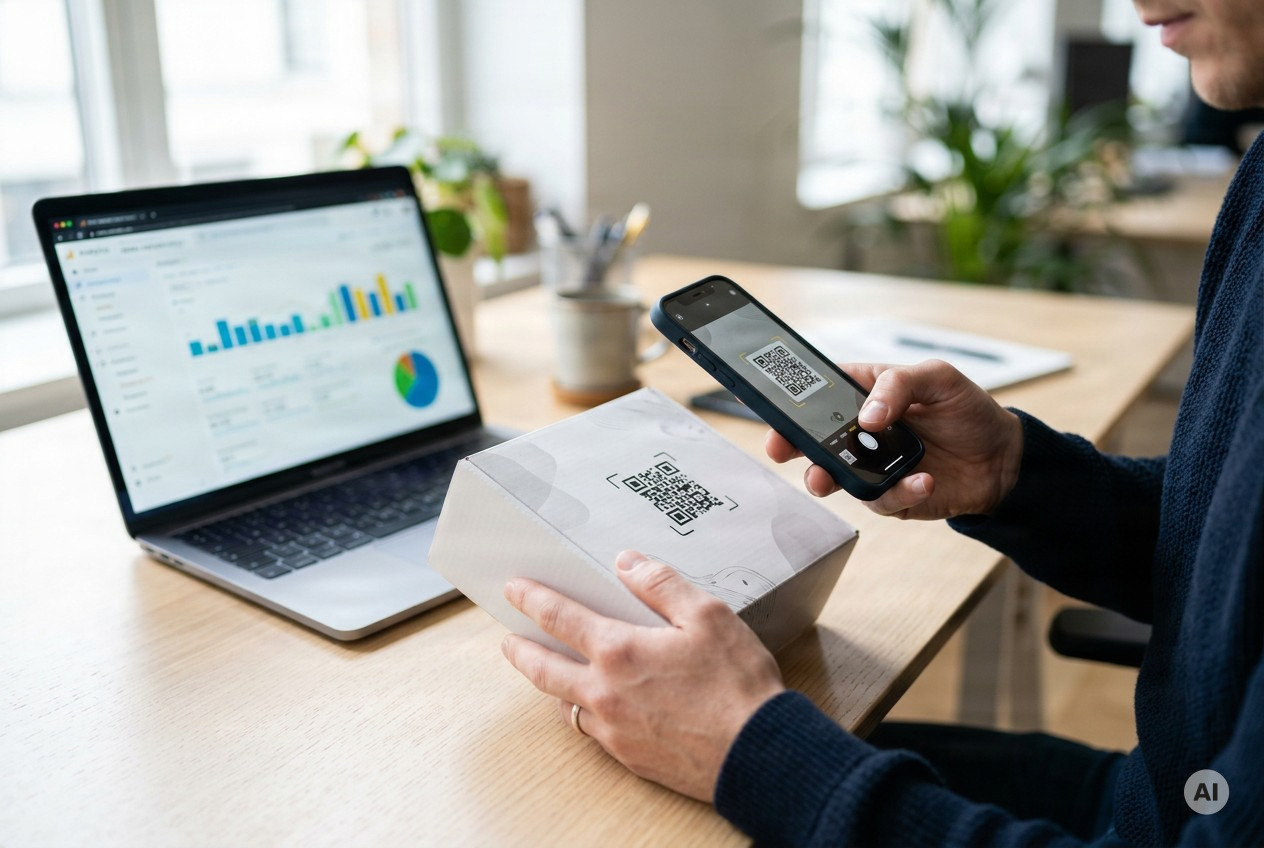
Because the code is dynamic, you can change the destination behind the redirect later without reprinting anything. The guide on renaming a link covers keeping your links tidy, and how to track QR code scans walks through reading the reports.
Name Each Placement's Code Consistently
Give every placement its own dynamic code with a name that identifies it at a glance, so you can compare which ones drive engagement:
- Table tent:
tabletent-q3 - Receipt:
receipt-q3 - Poster:
poster-q3 - Packaging:
packaging-q3
Keep names lowercase and consistent. A scheme you set once saves you from guessing which code was which when the numbers come in.
Compare Placements Against Their Own History
A code on a table tent and a code on a poster are seen in very different conditions, so resist judging them against one universal benchmark - there isn't a credible cross-industry "good scan rate." The useful benchmark is each code's own trend: give every placement its own dynamic code, let a few weeks of data accumulate, and read the week-over-week movement. A flat or falling line on a code that used to climb is your signal to act, regardless of how it compares to someone else's numbers.
A restaurant can compare table tents across locations, a retail store can compare shelf signs to receipts, and an event team can compare badge activity across sessions. Keep the date range and campaign conditions comparable, and account for closed days or a finished promotion before interpreting a decline.
Low Numbers? Check Size and Placement Before Blaming the Campaign
Before you conclude that an offer is failing, rule out physical problems with the printed piece:
- Size for distance - the QR size calculator suggests a print size for your scanning distance
- Height and lighting - place codes near eye level, in reach, without glare or shadow
- Test it yourself - scan the printed piece from where a real customer would stand, on both an older phone and a new one
Fix the physical problems first. Then judge the campaign on numbers that reflect people who actually had a fair chance to scan.
Questions to Ask Before You Commit to a Plan
Whether a plan is enough depends on what you need from the data, so read the provider's details before you print anything. Confirm the monthly tracking allowance and available date ranges, which exports are included, and the coverage and timing of link-health alerts. For a long print run or a season of events, these details matter as much as the headline price.
FAQ: QR Code Monitoring
Can I track a static QR code I already printed?
A static code does not provide Scanely redirect statistics, and you cannot recover past scans that were never recorded. If you control its destination, website analytics may measure incoming visits. Campaign parameters already included in the printed URL can help distinguish that traffic. To get Scanely's QR reports and an editable destination for future campaigns, create a code with the dynamic QR generator.
How do I know if my printed QR code stops working?
On paid plans, Scanely checks eligible external link destinations daily. A broken-link email requires two failed daily checks on separate UTC days, with no successful check between them. It excludes hosted Pages, files and contact cards from those destination checks. A separate silent-code alert looks for seven days without recorded scans after an established history. Neither alert is instant or proof of damage to printed material.
Can QR tracking identify who scanned my code?
Scanely's scan report shows available approximate location, inferred device information and recorded time. It does not identify the person who opened the link. Unique-visitor counts are estimates based on hashed IPs. To collect names or emails, ask visitors to submit a form.
How accurate is scan location?
Location is estimated from network information and can be missing or inaccurate. City and country labels, and any map coordinates, are approximate. Scanely scan analytics do not request precise GPS location from the visitor.
Does the dashboard count every repeat scan?
No. Repeated requests for the same QR code from the same hashed IP within one hour are deduplicated. Monthly tracking limits can also stop new records while ordinary redirects continue working. Total scans therefore means recorded requests, not every camera scan.
Ready to measure your printed campaigns? Create your first tracked code, test it on your phone and use the reports to plan your next improvement.