Call QR Codes: How Scan-to-Call Works and Setup
A call QR code stores a tel: link like tel:+15551234567 - one scan opens the dialer with the number pre-filled. Covers setup, sizing, and scan tracking.
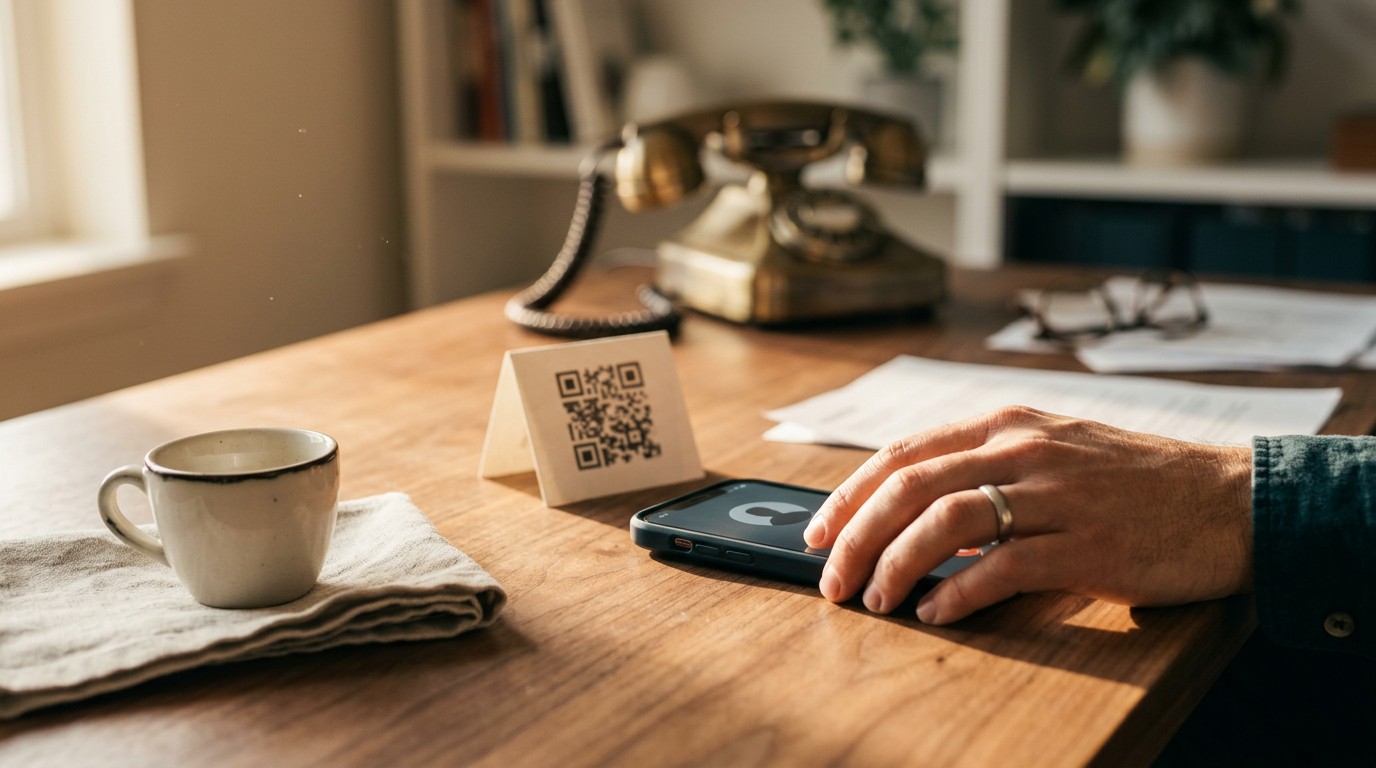
What Is a Call QR Code?
A call QR code is a QR code that stores a phone number as a tel: link, such as tel:+15551234567. When someone scans it with their smartphone camera, the phone opens the dialer with the number already filled in. One scan, one tap, and the call connects - no typing, no misdialed digits. The free phone QR code generator builds the tel: payload without manual formatting.
One detail most guides skip: phones never dial automatically. Both iOS and Android show the number on screen first, and the user has to tap Call to start the call. That confirmation step matters for how you design your signage - a label like "Scan to Call" sets the right expectation, because the scan itself is not the call.
You will find these codes on restaurant table tents for phone orders, retail shelf tags for product questions, service van doors, invoices, and event signage. Anywhere a customer would rather call than type, a call QR code removes the friction between seeing a number and dialing it.
How the tel: Link Works: Formatting Rules That Make or Break the Code
The tel: protocol is what turns a QR code into a call button. The code itself just stores a text string - your phone's camera reads it, recognizes the tel: prefix, and hands the number to the dialer. iOS shows a tap-to-call banner at the top of the screen; most Android phones open the dialer directly with the number pre-filled. Either way, the formatting of that string decides whether the right number appears - or any number at all.
E.164 Format With Country Code
Always encode the number in E.164 format: a plus sign, the country code, then the full number with no separators. Converting a US number takes three steps:
- Start with the number as printed: (555) 123-4567
- Strip everything but digits: 5551234567
- Add +1 and the tel: prefix: tel:+15551234567
Common mistakes and what they cost you:
- Spaces or dashes (tel:+1 555 123-4567) - some dialers strip them, others truncate the number at the first space
- Parentheses (tel:+1(555)1234567) - unreliable parsing on older Android devices
- Missing +1 (tel:5551234567) - works for local callers, fails for anyone with an international SIM, travelers, and some Android dialers that cannot infer the region
Skipping the country code is the most expensive error because it passes casual testing. Your phone dials it fine, so you print 500 flyers - and then a visitor from Toronto scans one and gets a dead number.
Extensions and Pauses for Office Lines
For a direct extension, use the ext parameter: tel:+15551234567;ext=204. Some dialers also accept a pause character - tel:+15551234567,204 - which waits about two seconds before sending the extension digits, useful for IVR menus.
Support varies widely by phone and OS version. iOS handles ext= well; some Android dialers ignore it and dial only the main line. Test the exact syntax on both platforms before printing, and treat the extension as a bonus, not a guarantee - always list it in the printed label too.
Static vs Dynamic Call QR Codes: The Tracking Trade-Off
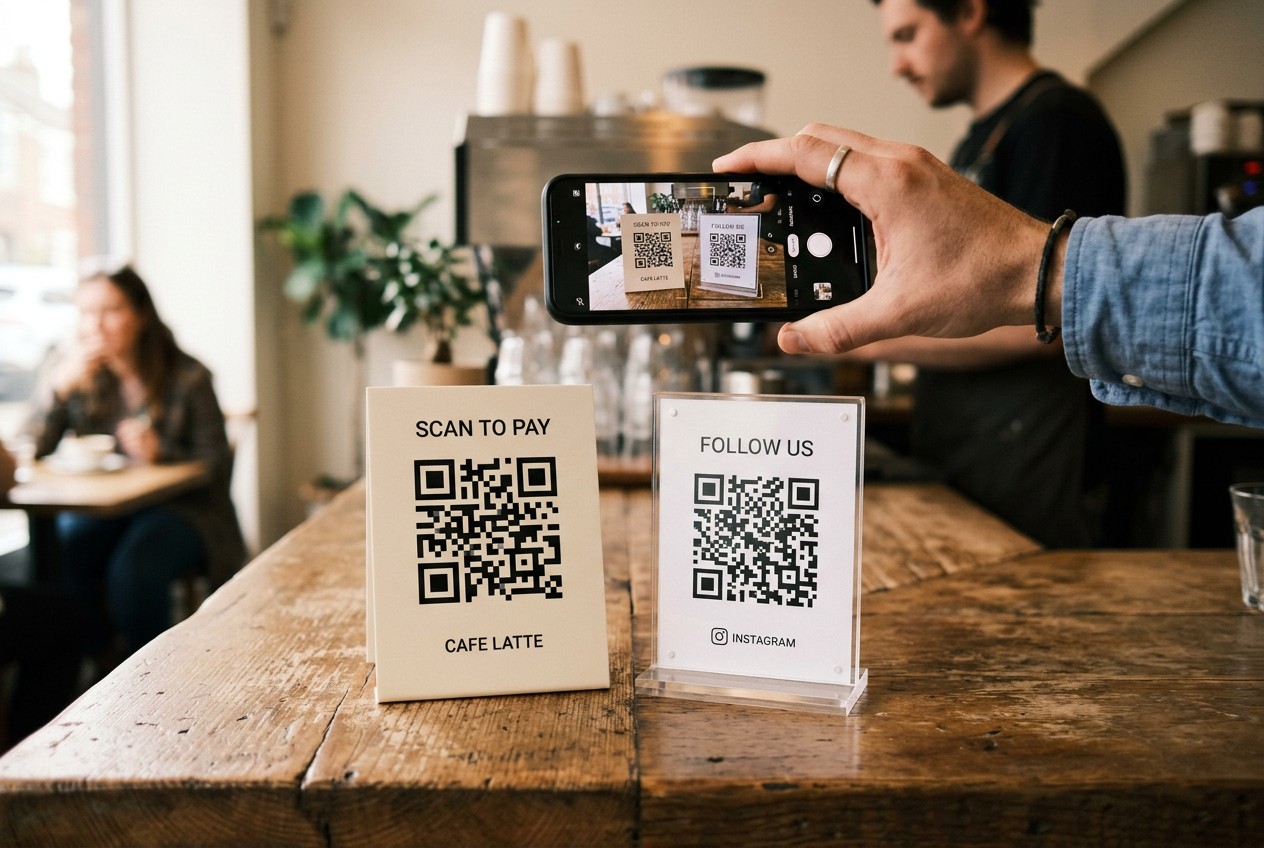
A static call QR code has one big limitation: you will never know how many people scanned it. The code encodes the tel: string directly, so the "conversion data" for a static code is exactly zero rows. If you need scan counts, you need a dynamic QR code that routes through a redirect URL first.
| Feature | Static tel: code | Dynamic call code |
|---|---|---|
| Cost | Free, works forever | Usually paid after a trial |
| Scan tracking | None | Total scans, unique scans, time, city, device |
| Edit number after printing | No - reprint required | Yes, redirect updates instantly |
| Works offline | Yes | No - redirect needs a connection |
| User steps | Scan, tap Call | Scan, page loads, tap number, tap Call |
That extra tap is the real cost of tracking. For a support line where speed matters most, static wins. For a campaign where you printed 2,000 flyers across 5 locations and need to know which ones pull, generate a trackable code with the dynamic QR generator instead.
Why a Plain tel: Code Cannot Be Tracked
The mechanics make tracking impossible, not just inconvenient. When a phone scans a static code, the camera app decodes tel:+15551234567 locally and opens the dialer. No server request happens, so there is nothing to log - no scan count, no location, no device type. A dynamic code fixes this by encoding a short URL; the phone hits the tracking server, the server records the scan, then redirects to a tap-to-call page.
Call Tracking Numbers for Per-Campaign Attribution
There is a middle path: keep static codes but assign a distinct call tracking number to each placement. The flyer gets +1-555-0142, the van gets +1-555-0143, the shelf tag gets +1-555-0144, and all three forward to your main line. Your phone system logs which number each caller dialed, so you get per-location call attribution with zero extra taps for the customer. Services like CallRail or Twilio start around $45-50 per month for a handful of numbers.
tel: vs vCard vs WhatsApp: Which QR Code for a Phone Number?
All three wrappers can hold the same phone number, but they trigger different actions on the customer's phone - and picking the wrong one adds friction exactly where you wanted to remove it.
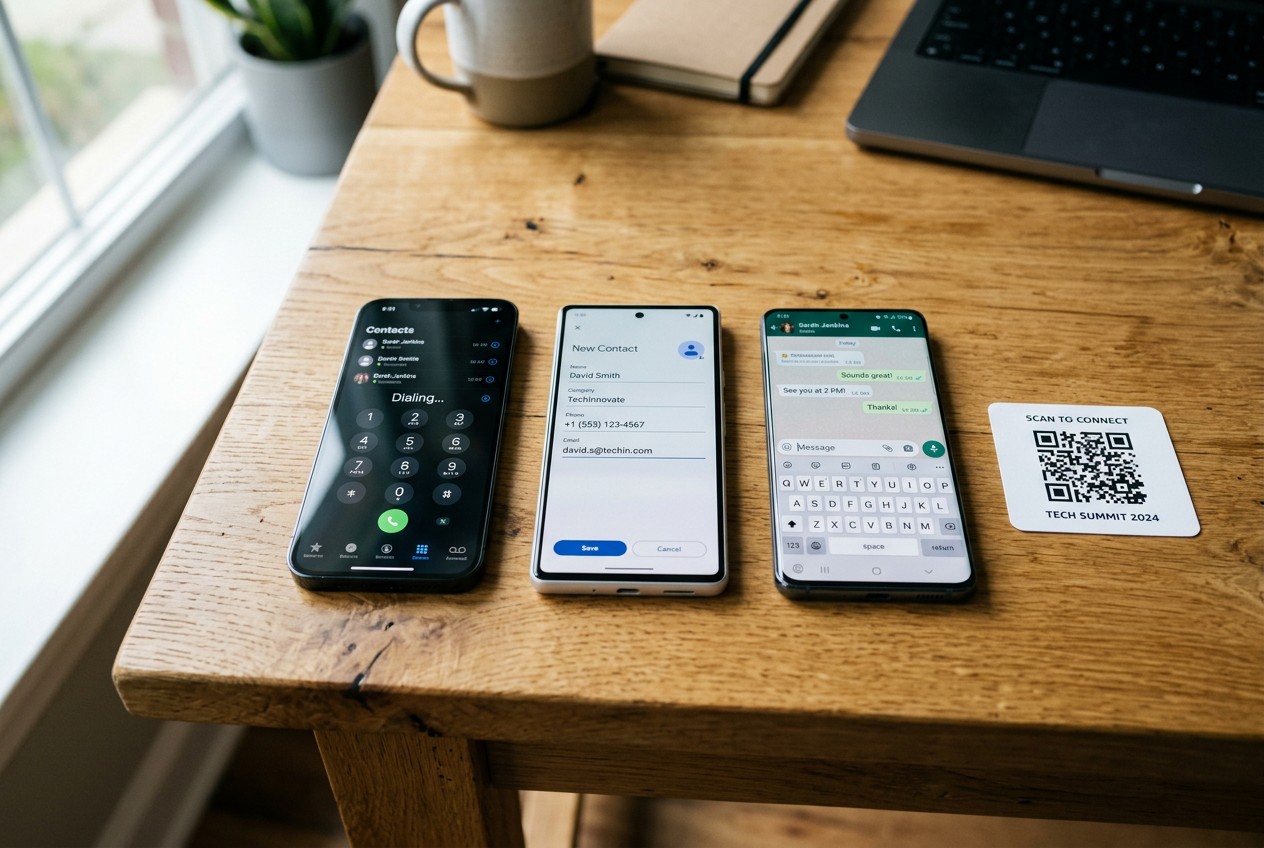
A tel: code is for calling right now. Scan, tap, the phone rings. Use it when the goal is an immediate conversation: a support line, phone orders, a "call for availability" shelf tag.
A vCard QR code saves the number instead of dialing it. The scan opens a contact card with your name, company, phone, email and website, and the user taps Save. Nobody calls the moment they scan a business card at a trade show - they call three days later, and a vCard makes sure your number is in their phone when they do. Build one with the vCard QR generator.
A WhatsApp click-to-chat code (wa.me/15551234567) opens a chat thread. Good for async questions, photo-based inquiries, and international customers who avoid voice calls.
| Wrapper | What the scan does | Best for |
|---|---|---|
| tel: | Opens dialer, number pre-filled | Support lines, phone orders, urgent contact |
| vCard | Opens a save-contact screen | Business cards, trade shows, follow-up later |
| Opens a chat with you | Async questions, photos, international customers |
One number can appear in all three - a sales rep's card might carry a vCard on the front and a tel: code on a "call now" flyer. Match the wrapper to the action you want, not the other way around.
How to Create a Call QR Code in 5 Minutes
Setting up a call QR code takes four steps, and three of them are about not making mistakes that force a reprint.
- Format the number in E.164. Write it as tel:+15551234567 - plus sign, country code, digits, nothing else. Copy it into a text file so you paste the exact same string everywhere.
- Generate the code. Pick static or dynamic based on the tracking decision above - static for a permanent support line, a dynamic code if you need scan counts or might change the number. Paste the tel: string, not the bare number.
- Set error correction to M or Q. A tel: link is short, so the code stays simple even at higher correction levels. Level Q survives roughly 25% surface damage - worth it for anything living outdoors or on a van door.
- Add a label. Print "Scan to Call" or "Scan to Order by Phone" directly above the code. Codes without a label get scanned less because nobody knows what they do, and the label also sets the expectation that a call is coming.
Pre-Print Testing Checklist
Run every check on the final artwork file, not a draft:
- Scan with the iOS Camera app - no third-party scanner
- Scan on at least one Android phone, ideally two brands
- Test in low light and at the real viewing distance
- Read the pre-filled number digit by digit against your records
- Place one real test call and confirm who answers
Five minutes of testing versus reprinting 500 flyers at roughly $80-150 per run. One transposed digit sends every caller to a stranger, and you will not find out until the campaign is already out the door.
Print Size, Design and Placement That Actually Get Scans
A call QR code that nobody can scan is just decoration. The rule of thumb: the code should be at least one tenth of the scan distance. A 2x2 cm (0.8 in) code works fine on an invoice held at reading distance, but the same code on a wall poster scanned from 6 feet is a guaranteed failure - the camera cannot resolve the modules.
Design basics that protect scannability: keep a quiet zone of at least 4 modules of white space around the code, use dark-on-light with strong contrast (never yellow on white), and stick with error correction level M or Q as covered in the setup steps. For DPI requirements and pre-print file checks, see the full guide to preparing QR codes for printing.
Placement examples that work: a 3x3 cm code on restaurant table tents for phone orders, a 2.5x2.5 cm code on retail shelf tags at arm's length, a 10x10 cm code on a service van door scanned from 3-4 feet in a parking lot, and 15x15 cm or larger on event signage read from across a hallway.
Size by Scan Distance: The Distance / 10 Rule
| Placement | Typical scan distance | Minimum code size |
|---|---|---|
| Business card, invoice | 20 cm (8 in) | 2x2 cm (0.8 in) |
| Table tent | 30 cm (12 in) | 3x3 cm (1.2 in) |
| Window decal | 50 cm (20 in) | 5x5 cm (2 in) |
| Poster, van door | 180 cm (6 ft) | 15x15 cm (6 in) |
Undersize by half and scan rates drop sharply - people try once, fail, and walk away. Check your exact dimensions with the QR size calculator before sending files to print.
Handling After-Hours Scans
Someone scanning your table tent at 11 pm gets a ringing phone and no answer - and probably will not call back. Three ways to handle it: record a voicemail that promises a callback by a specific time ("We open at 9 am and return every message by 10"), use a dynamic code that redirects to a booking or contact form outside business hours, or route after-hours calls to an answering service, which typically runs $50-200 per month. The dynamic redirect option is the only one that captures the lead in writing while the customer is still standing in front of your sign.
Call QR Code FAQ
Does scanning a call QR code dial automatically? No. Every phone shows the number first and waits for a confirmation tap. The scan pre-fills the dialer; the user always starts the call.
Do call QR codes expire? Static tel: codes never expire - the number is printed into the code itself. Dynamic codes depend on your plan; if the subscription lapses, the redirect stops working.
Can I change the number after printing? Only with a dynamic code, where you update the redirect and every printed code follows. A static code requires a reprint.
Do call QR codes work without internet? Static tel: codes work offline because the phone reads the number locally. Dynamic codes need a connection to reach the redirect server.
Can I track who called? Not with a plain tel: code. You need either a dynamic redirect page that logs scans or a dedicated call tracking number that your phone system attributes per placement.