Bible Verse QR Codes: How to Make and Share Scripture
A Bible verse QR code links a printed pattern to Scripture on BibleGateway, YouVersion, or your own page. Static vs dynamic, sizing, and bulk tips.

What Is a Bible Verse QR Code?
A Bible verse QR code is a printed square pattern that opens a Scripture passage the moment someone scans it with a phone camera. The code can point to a passage page on BibleGateway, a reading in the YouVersion Bible App, or a landing page you control - your choice, made when you create the code.
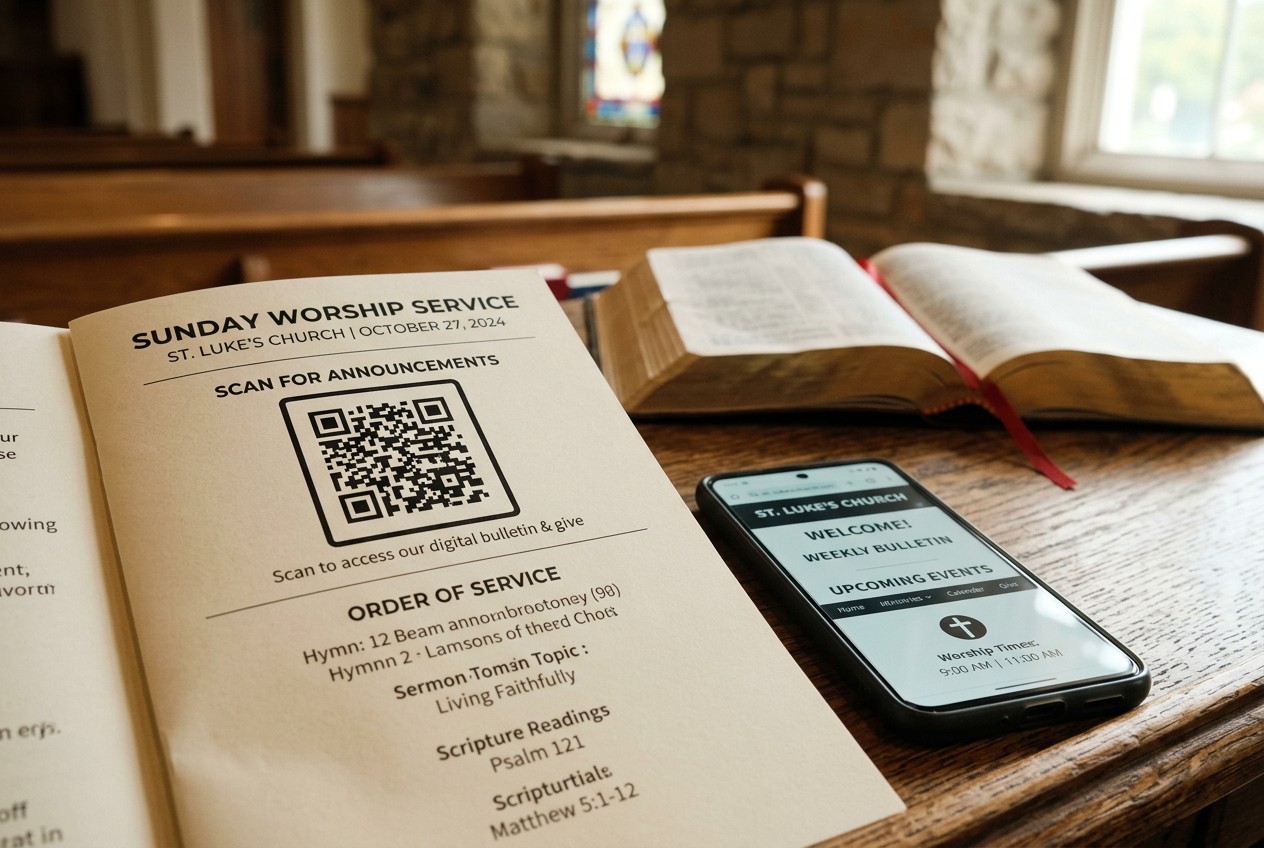
Churches and ministries print them on bulletins, wristbands, t-shirts, pew cards, and event handouts. A youth group might hand out 200 wristbands with a code linking to Philippians 4:13. A church bulletin might carry a code that opens the week's sermon text in the NIV.
Search for the topic and you will find bracelets on Etsy and product listings - but almost nothing explaining how to actually make one. This guide fills that gap: where the code should point, static vs dynamic codes, print sizes that scan reliably, and how to track usage across placements.
Where Should Your QR Code Point? 4 Link Options Compared
Four destinations work for a Bible verse QR code, and the right one depends on how much control you need. Here is the quick comparison:
| Destination | Cost | Ads | Offline access | Control |
|---|---|---|---|---|
| BibleGateway passage link | Free | Yes, banner ads | No | None |
| YouVersion deep link | Free | No ads, but app install prompt | Yes, after app install | None |
| Your own landing page | Domain + hosting, roughly $15-60/year | None | No | Full |
| Verse-of-the-day feed | Free to $10/month | Varies | No | Partial |
BibleGateway and YouVersion Links
BibleGateway is the fastest option. Search the passage, pick your translation, and copy the URL - the translation is right in the address, like biblegateway.com/passage/?search=John+3:16&version=NIV. Swap NIV for ESV or KJV and the same link serves a different translation. The tradeoff: banner ads load around the verse, which looks off on a memorial card or wedding program.
YouVersion deep links behave differently depending on the phone. If the Bible App is installed, the link opens the passage directly in the app, ad-free, and the reader can keep it offline. If not, the phone shows an app install prompt or falls back to bible.com in the browser. That extra step loses some scanners, but for a youth group that already uses YouVersion reading plans, it is the natural fit.
Your Own Landing Page and Translation Copyright
A self-hosted page gives you full control: no ads, your church branding, a service-times link below the verse. It costs a domain and hosting, and one rule matters - Bible translations are copyrighted. The KJV is public domain in the US, so you can print or publish it freely. The ESV, NIV, and CSB allow quotation without written permission only within limits (the ESV caps it at 1,000 verses) and require an attribution line. Displaying one verse with proper credit is fine; republishing whole chapters is not.
Static vs Dynamic QR Codes for Scripture
A static QR code encodes your destination URL directly in the pattern itself. Point it at biblegateway.com/passage/?search=John+3:16&version=NIV and that exact address is baked into the squares forever. Print 500 bulletins with it, and John 3:16 in the NIV is what they open until the paper hits the recycling bin.
A dynamic QR code works differently. The pattern encodes a short redirect URL - something like scnly.co/a8x2 - and that short link forwards scanners to whatever destination you have set. Change the destination in your dashboard, and every printed code updates instantly. The paper never changes; the redirect does.
| Static | Dynamic | |
|---|---|---|
| Verse can change after printing | No | Yes, anytime |
| Fix a broken or moved link | No, reprint everything | Yes, repoint in seconds |
| Scan tracking | None | Counts, location, time, device |
| Cost | Free | Free tier to ~$5-15/month |
For ministry use, dynamic wins in three common situations:
- Rotating verses. One code on the bulletin masthead can serve a new sermon text every week. Print once per year instead of 52 times.
- Fixing mistakes. If 500 wristbands ship with a typo in the URL, a static code makes them trash. A dynamic code makes it a 30-second dashboard edit.
- Knowing what works. Scan tracking shows whether the pew cards get 12 scans a week or 200, which matters when you are deciding what to print next quarter.
You can create either type with a dynamic QR generator - start static for a one-off memorial card, go dynamic for anything printed in bulk.
How to Make a Bible Verse QR Code in 5 Steps
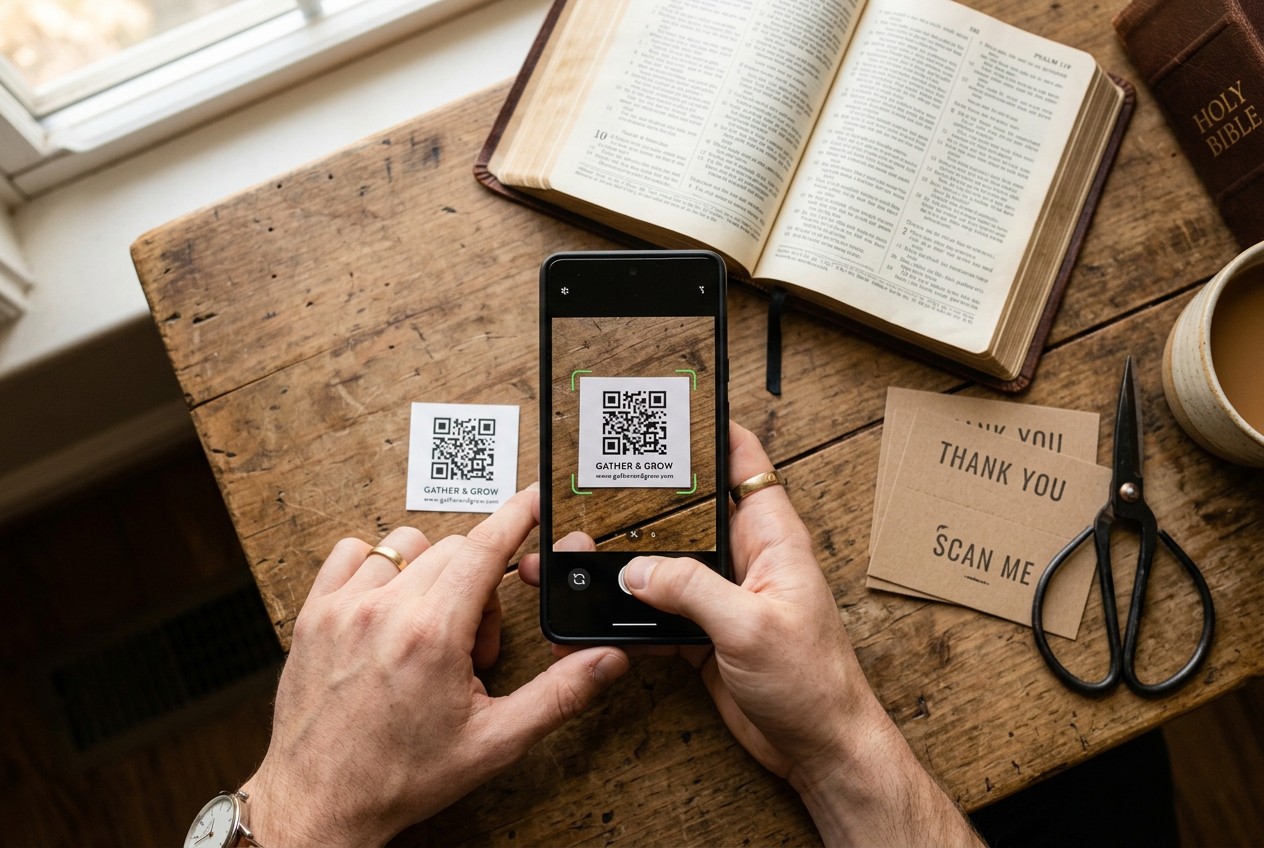
Five steps take you from a verse reference to a print-ready file. The whole process runs about 10 minutes the first time.
-
Pick the verse and translation. Decide both up front, because the URL you copy in step 2 locks in the translation. If your congregation uses the ESV, do not link to the default NIV page - scanners notice the mismatch.
-
Get the destination URL. On BibleGateway, search the passage, select the translation from the dropdown, and copy the address bar. For YouVersion, open the verse in the Bible App, tap Share, and copy the link. For your own landing page, publish the page first and confirm it loads on mobile.
-
Create the code. Paste the URL into a QR generator like the dynamic QR generator. Choose static for a one-off print, dynamic if you want to change the verse later or count scans. Set error correction to level H if the code will go on fabric or a curved surface.
-
Test on real phones. Scan with at least one iPhone and one Android before anything goes to the printer. Details below.
-
Download at the right resolution. For print, download SVG if your print shop accepts it - it scales to any size without blur. Otherwise export PNG at 1000 x 1000 pixels minimum. A 300 x 300 PNG stretched onto a poster will blur and fail to scan.
Testing Before You Print
Test with the phone at the actual distance a scanner will stand. A bulletin gets scanned at arm's length, roughly 12 inches; a lobby poster from 5 to 10 feet.
Then check where the link lands, not just that it opens. Is the translation correct? Does BibleGateway load an ad above the verse? Does YouVersion throw an app install prompt on a phone without the app? If you used a dynamic code, scan it once more after setting the destination - a redirect pointing at the wrong URL prints just as cleanly as a correct one.
Print Specs: Size, Placement, and Error Correction
Print size depends on scan distance, and the rule is simple: divide the distance by 10. A bulletin insert scanned at arm's length, about 12 inches, needs a code at least 0.8 x 0.8 inches. A poster at the back of a sanctuary, scanned from 8 feet, needs 8 inches or more. When in doubt, run your numbers through the QR size calculator before sending anything to print.
Two more specs matter:
- Quiet zone. Leave a white margin around the code equal to at least 4 modules - the small squares in the pattern. A code crammed against a border or a photo will misread.
- Error correction level H. This adds redundancy so the code still scans with up to 30% of the pattern damaged or distorted. Use it whenever the code goes on vinyl, fabric, or anything curved.
One fallback belongs on every printed piece: the verse reference or a short URL in plain text next to the code. Sanctuaries, basements, and summer camps often have one bar of signal or none. "John 3:16 - bible.com/john316" costs one line of type and saves the scan that never loads.
Codes on Wristbands, Shirts, and Cricut Vinyl
Crafters break codes in predictable ways. The most common: inverting the colors. Scanners expect a dark pattern on a light background - white vinyl on a black shirt reads far less reliably, and often not at all.
With Cricut vinyl, one missed weeding spot inside the pattern can kill the scan, so weed under strong light and check every module. On wristbands and mugs, curvature distorts the pattern; keep the code under about 1 inch so it sits nearly flat. Always test after heat pressing, not before - heat can warp fine detail.
Ministry Use Cases: Bulk Orders and Scan Tracking
Bulk wristband orders are cheaper than most ministry teams expect. Silicone wristbands with a printed QR code run roughly $0.30-1.50 per unit depending on quantity: an order of 100 lands near the top of that range, while 1,000 units often drops below $0.50 each. A youth group outfitting a 200-person summer camp is looking at $80-150 total.
The key decision is one code or many. One shared dynamic code across all 500 wristbands is simpler and cheaper - you manage a single redirect and see one combined scan count. Unique codes per item only make sense if you need per-item tracking, which almost no ministry does. Where multiple codes do pay off is per-placement tracking: one code for pew cards, one for event handouts, one for mailers, all pointing at the same verse.
That split is what makes scan analytics useful. If the pew cards pull 15 scans a week and the mailer pulls 3 scans per 500 pieces sent, you know where next quarter's print budget goes. For event outreach, a code on the welcome table versus one in the program tells you which touchpoint people actually use.
Two workflow notes. For a weekly church bulletin, keep one dynamic code in the masthead and repoint it to each week's sermon text - the design never changes. For printed devotionals, point the code at a hosted PDF so the reader can download the full study guide once and read it offline later.
Reading Your Scan Analytics
A dynamic code's dashboard shows scan counts, timestamps, rough location, and device type. Read it for patterns, not raw totals. Scans clustered Sunday 9-12 mean the bulletin code works during service; a spike Wednesday evening points to the youth group handouts.
To compare two placements fairly, create two dynamic codes pointing at the identical verse and give each placement its own code. After a month, the counts settle the question - no guessing about which outreach piece earned its printing cost.
FAQ: Bible Verse QR Codes
Are Bible verse QR codes free to make?
Yes. Static codes are free from any QR code generator, including the dynamic QR generator. Dynamic codes with editing and scan tracking run from free tiers up to about $5-15 per month.
Can I change the verse after printing?
Only with a dynamic code. It encodes a redirect URL, so you can repoint it to a new verse anytime from your dashboard. A static code locks its destination permanently - changing the verse means reprinting.
Which Bible translation should I link to?
Match your congregation. If your church preaches from the ESV, link the ESV passage page. BibleGateway lets you set the translation directly in the URL, so no scanner lands on an unfamiliar version.
Do scans work without cell service?
No. The code itself scans offline, but the destination page needs a connection to load. Print the verse reference or a short URL next to the code as a fallback - sanctuaries and camps often have weak signal.
Is it legal to print verse text next to the code?
For the KJV, yes - it is public domain in the US. The ESV, NIV, and CSB permit limited quotation with an attribution line, and a single verse falls well within those limits.
How long do QR codes last?
A static code works as long as its destination URL stays live. A dynamic code lasts as long as your account with the redirect service stays active - one reason to pick a provider you trust.
Ready to make one? Start with the dynamic QR generator and test the scan before you print.