Free · No account needed
TikTok QR Code Generator
Enter @yourname or a profile link. Video short links are rejected, then you download a QR for packaging, a booth, or a poster.
Use Share profile, not the share button on a single video.
Free static QR. No watermark, no scan limit, and no expiry set by Scanely. The destination must remain available.
Your QR code
Generated in your browser. Scanely does not upload your link to generate this static QR.
Keep the print. Change the link.
Create an account to make an editable QR and see scan counts. Your link, colors, and size will be ready in the creator.
A dynamic QR is a new code. Create and download it before printing; this static download will not become trackable.
Profile link, not a video short link
In the TikTok app, open your profile and use Share profile. The address looks like tiktok.com/@yourname. Typing @yourname works too. Short video links (vm.tiktok.com, vt.tiktok.com, and tiktok.com/t/…) are rejected, and so is a link that continues into /video/. Those open one post. A profile is the link that still makes sense after you publish the next one.
Packaging and booths
A product pouch can say “See it in use” and open the profile where those clips live. A booth banner can say “Follow for the aftermovie” during an event, with the same profile. One video is the wrong target for either of those, because the print cannot follow your next post. QR codes for social media covers when a single profile is enough and when a link hub is better.
Static or dynamic?
This code is static. The @name is inside the image, scans are not counted, and a username change does not update prints you already made. If a rename or a later switch to a link-in-bio page is likely, create a dynamic QR and print that file instead. Free includes 3 dynamic codes and 1,000 scans a month on those codes. Create a free account to carry this profile into the creator.
Size the code with the QR size calculator. The same pattern is on the Instagram and YouTube tools, with checks that match those sites.
Scanely is independent of TikTok.
Check the scan before your print run
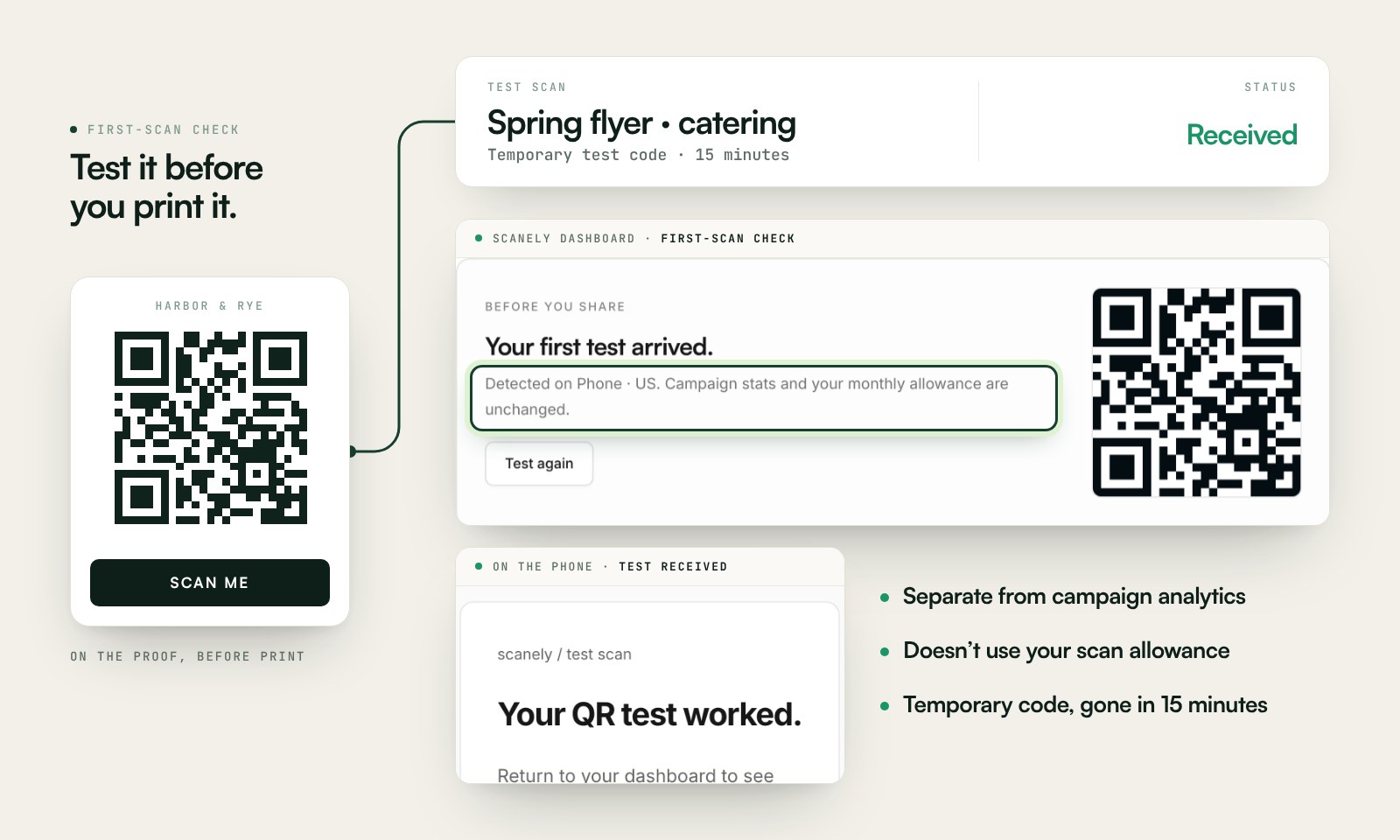
Scan a printed proof of your static download with a phone and check its destination. If you create a dynamic code in your Scanely account, First-scan check gives you a temporary test QR and confirms when your phone scans it.
The temporary code keeps test activity separate from campaign analytics. Never print it; download and test the final QR before ordering a batch.
Questions before you print
Is this TikTok QR code generator free?
Yes. Enter @yourname or your profile link and download a static PNG or SVG. No account, watermark, or Scanely scan limit.
Where do I find my TikTok profile link?
Open your profile in the TikTok app, tap Share profile, then copy the link. It should look like tiktok.com/@yourname. You can also type @yourname here.
Why are video links rejected?
vm.tiktok.com, vt.tiktok.com, and tiktok.com/t/ links point at one video and are awkward to verify once printed. A profile QR keeps working as you post. If you truly need one video, paste that video’s full tiktok.com/@name/video/… address into the general QR generator, or use a dynamic code you can change.
What usernames are accepted?
Letters, numbers, periods, and underscores, 2 to 24 characters, with or without the @. The tool lowercases nothing: it keeps the name you typed, so match the spelling on your profile.
What if I change my username?
A static QR keeps the old @name, and the old profile address can stop opening your account. Create a dynamic Scanely QR before printing if a rename is likely, so you can update the destination and count scans.
How large should it be on packaging?
Use the size calculator. A code on a pouch, scanned in the hand, can be smaller than a poster scanned from across a booth. Keep a light margin around the modules and scan a proof under shop lighting.