# Quishing: How to Spot and Prevent QR Code Scams
> Quishing uses QR codes to send users to fraudulent sites. Check destination URLs, inspect printed codes for tampering, and verify payment requests.
Canonical HTML version: https://scanely.io/blog/quishing
## What is quishing?
Quishing, or QR phishing, is a social engineering attack that uses QR codes to direct people to fraudulent websites or harmful downloads. The goal is to steal login credentials, financial information, or other sensitive data, or to install malware.
The sequence matters. Scanning decodes the QR image into a link. Opening that link takes you to its destination, where a fake login page or payment form may request information, or a page may attempt a malicious download. **Decoding a code, opening its link, and submitting information are separate actions.**
For businesses that print QR codes on menus, posters, signage, or invoices, destination checks belong in the workflow. [Restaurant QR menus](/use-cases/restaurants) are one example: check the URL before browsing, and question any login, payment, or download request that does not fit the code's intended purpose.
## Where businesses encounter QR code scams
QR code scams can appear on customer-facing print materials and in business emails. Attackers may cover a legitimate code with a sticker, replace a product-label code, or send a fake payment request that directs the recipient to a fraudulent site.
Real attacks have used QR codes on fake parking-kiosk stickers in Texas and on counterfeit parking tickets in Atlanta, and the Better Business Bureau has warned about fake codes placed on parking meters and payment terminals.
### Restaurant menus, retail materials, and event signage
If you print [restaurant](/use-cases/restaurants), [retail](/use-cases/retail), or [event](/use-cases/events) materials, use these checks when you review them:
| Placement | Scam pattern | Warning sign | Verification step |
| - | - | - | - |
| Restaurant menu | A malicious sticker covers the original QR code. | An overlay or misaligned label; an unexpected login prompt after opening the link. | Ask staff to confirm the code and check the destination URL. |
| Retail poster | A replacement code directs shoppers to a fraudulent page. | A misplaced sticker or a domain that does not match the retailer. | Confirm the code with store staff before sharing information. |
| Product label | The legitimate code is replaced with a link to a counterfeit site or malware download. | Visible tampering or an unexpected software download request. | Inspect the label and verify the destination through the business's known website. |
| Event signage | A code uses a menu, survey, promotion, or conference Wi-Fi lure. | An unfamiliar domain or an unexpected request for sensitive information. | Confirm the code with the organizer through a separate channel. |
| Emailed payment request | A fake invoice or failed-payment notice asks for a QR scan. | Urgency or a claim that payment is possible only through the code. | Contact the company using independently obtained details. |
### Verify emailed payment requests before paying
If an email says a recent payment failed and asks you to scan a QR code to complete it, call the company using a number from its trusted website, not one from the message.
## How to inspect printed QR codes for tampering
Stickers, misplaced labels, and visible damage are warning signs to investigate before customers scan, and **a normal-looking code is still no proof that its destination is legitimate.**
### Look for overlays and misplaced labels
1. **Check for a covering sticker.** Look at whether another label sits on top of the original QR code. Attackers can paste their own codes over legitimate ones on menus, posters, and other public materials.
2. **Examine placement and alignment.** Treat an unexpectedly positioned or crooked label as a reason to pause. Not every QR sticker is malicious, so confirm whether your team authorized it.
3. **Flag visible damage.** If a code looks damaged or out of place, avoid scanning it while you investigate. Compare the printed piece with your approved artwork to spot changes.
### Include scan points in staff checks
Add customer-facing QR materials to staff or facilities spot checks: restaurant menus, retail posters, product labels, and event signage.
Use Scanely's [QR code printing guide](/blog/qr-code-for-printing) when preparing materials, and size codes with the [QR size calculator](/tools/qr-size-calculator) so staff can spot a replacement that does not match your print spec. Add these checks to your [QR menu workflow](/blog/how-to-create-a-qr-code-menu), and name the person who reviews flagged labels.
## Check the destination before sharing information
Check the destination URL before opening it, then assess what the page asks you to do. **A familiar-looking page or an HTTPS padlock does not mean the destination is legitimate.**
### Preview the URL and examine the domain
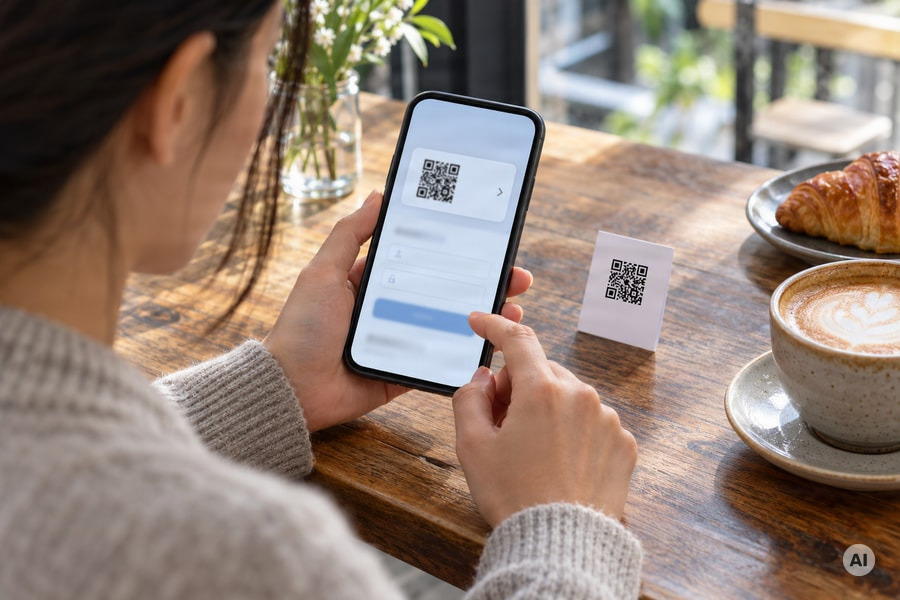
**Read the address before browsing.** Where your camera or scanner provides a URL preview, pause to inspect it. Look for misspellings, look-alike domains, and unexpected subdomains rather than relying on a familiar business name appearing somewhere in the address.
Shortened links can obscure the destination domain. If the preview does not give you enough information to verify the destination, go to the business's known website instead.
### Question unexpected logins, downloads, and permissions
**Compare the request with the code's purpose.** A login prompt after scanning a menu or public poster is a reason to stop and verify. Be cautious if the page requests financial information, an MFA code, recovery answers, or a software download.
Question device permissions that exceed the task, such as requests for contacts or location when you only intended to view information. Do not approve a security bypass prompt just to continue. If an app is required, find it through your phone's app store rather than downloading it through the QR link.
### Verify payments through a known route
**Leave the scanned link before paying.** Manually enter a known, trusted website address to complete the transaction. If a message claims that a payment failed or that you must pay through a QR code, verify the request using a phone number obtained from a trusted website.
## Static vs. dynamic QR codes: What changes the risk?
Static QR codes contain fixed encoded information. Dynamic QR codes contain a URL pointing to information held on a server, allowing the destination to change without changing the printed image. **Either type can carry a hostile link.**
### Fixed encoded information and changeable destinations
Separate the printed pattern, the URL encoded in it, and the destination reached after a redirect.
| What changes? | Static QR code | Dynamic QR code |
| - | - | - |
| Encoded information | Fixed once generated | Contains a URL pointing to server-held information |
| Destination update | The encoded address cannot be edited | The destination can change while the printed code stays the same |
| Quishing risk | Can encode a malicious URL | Can direct users to a malicious destination, including after distribution |
Physical replacement and destination changes are different problems. A sticker overlay substitutes another code for the original. A dynamic destination change can leave the original printed pattern untouched.
### Connect destination checks to your QR publishing workflow
Check the destination before distribution, recheck it after every destination update, and keep inspecting the print for overlays. Scanely's [dynamic QR code explainer](/blog/what-is-dynamic-qr-code) and [dynamic QR generator](/tools/dynamic-qr-generator) cover how changeable destinations work.
### How Scanely checks the links behind its codes
Scanely also checks the destination for you. Every link a Scanely code can open, including Smart Routing, scheduled, and A/B destinations, is checked against Google Web Risk when you save it, and the links of all live codes are checked again every six hours. A link on Google's phishing, malware, or unwanted-software lists cannot be saved. If Google lists a live code's link later, Scanely blocks the code: people who scan it see a page that says "This QR code is disabled" instead of the site, and the owner gets an email to fix the link. Link shorteners and IP addresses are not accepted as destinations, because they hide where a scan really leads. These checks run on every plan, including Free.
They do not replace the physical checks above. A sticker placed over your code sends people to the scammer's link directly, so that scan never reaches Scanely.
## Why email defenses can miss QR phishing
QR phishing can evade email defenses when a filter cannot decode the URL inside a QR image.
### A QR image requires decoding before URL analysis
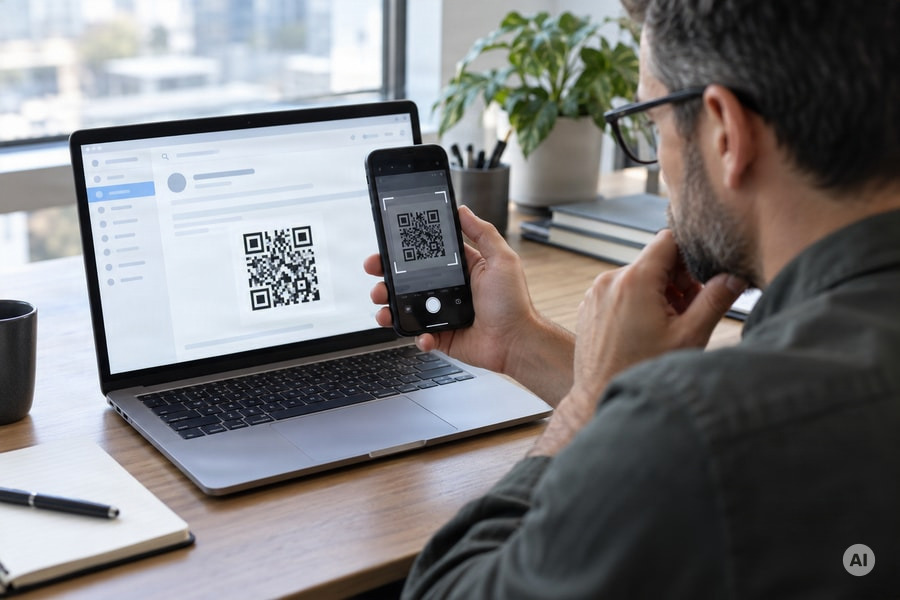
A text link exposes an address that an email filter can inspect. A QR image requires an additional step: the system must recognize the code and decode it before analyzing the embedded URL.
Some filters treat that image as pixels without extracting its destination. Others include QR-aware image analysis and may check the decoded URL or crawl the linked page. **An email that reaches your inbox tells you nothing about whether its QR destination is safe.**
### The destination may open on a personal phone
An employee may read a work email on a computer, then scan its QR code with a personal phone. The destination opens on that phone, which may lack the organization's anti-phishing protections or fall outside its security policies.
## Give staff a pause, verify, and report routine
Give staff a simple routine: **pause before acting, verify through a known contact, and report anything suspicious.** Apply it to unexpected QR emails and to the customer-facing codes your business publishes.
### Pause and verify unexpected requests
**Stop when a message pressures you to act.** Treat an unexpected request to scan, pay, or verify an account as a reason to check first. Urgency is a documented phishing tactic, including warnings about account suspension.
**Confirm through a separate, trusted channel.** Contact the supposed sender using a phone number or address you already know, or obtain contact details from its trusted website. Do not rely on the number supplied in the suspicious message.
### Make suspicious codes easy to report
**Name one reporting route.** Tell staff exactly where to flag suspicious emails, sticker overlays, or unexpected QR destinations: one internal address or a named contact. Encourage reporting without blame.
Ask staff to identify the email or physical scan point involved so the reviewer knows what to examine, and to report early. Add this routine to the onboarding for anyone who handles printed QR materials.
If a suspicious code opens through scanely.io, anyone can report it at [scanely.io/report-abuse](/report-abuse).
### Use MFA as an additional safeguard
Enable multi-factor authentication (MFA) on critical business accounts to reduce the potential impact of stolen credentials.
**MFA does not eliminate quishing risk.** Attacks can also target MFA codes or steal session tokens. Keep verification and reporting in place even when MFA is enabled.
## FAQ about quishing and QR code safety
### Is quishing a form of phishing?
Yes. Quishing, or QR phishing, uses a QR code instead of a text link to send people to fraudulent websites or harmful downloads. It is a social engineering attack, so the same habits apply: check where the code leads and verify unexpected requests.
### Can a normal-looking QR code be malicious?
Yes. A malicious QR code can look like any legitimate code, and **the printed pattern says nothing about where it leads.** Inspect the decoded URL before opening it, and check what the page asks you to do.
### Can static QR codes carry hostile links?
Yes. "Static" means the encoded information is fixed, not that the linked website is trustworthy. A static code can encode a malicious URL, so keep destination checks in your publishing workflow regardless of code type.
### Do I need a separate QR scanner app?
Generally, no. Most phones provide QR scanning through their built-in camera app, so you usually do not need another scanner to read a menu, poster, or event code. See Scanely's guides to [reading QR codes on iPhone](/blog/how-to-read-qr-code-on-iphone) and [scanning QR codes on Android](/blog/scan-qr-code-android).
### Does scanning a suspicious QR code mean my credentials were stolen?
No. **Decoding the code, opening its destination, and submitting credentials are distinct actions**, and a scan alone does not mean credentials were stolen. Consequences depend on the destination and what you did next: a fraudulent page may request credentials or trigger a malicious download. If concerned, report what you opened, entered, or downloaded through your business's reporting channel.